8. Closed Loop Spline
The closed loop URoadSplineComponent allows to place various “islands” or extra road marks on roads, such as refuge islands, pedestrian crossings, or arrows:
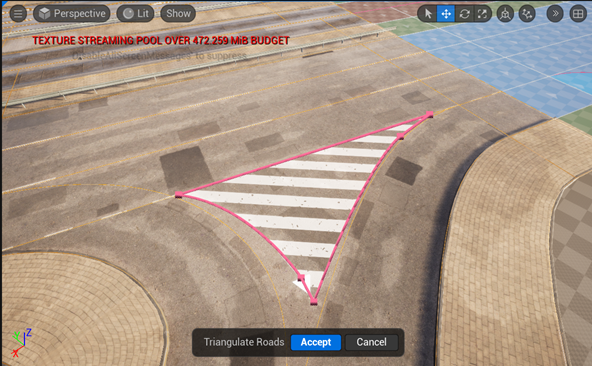
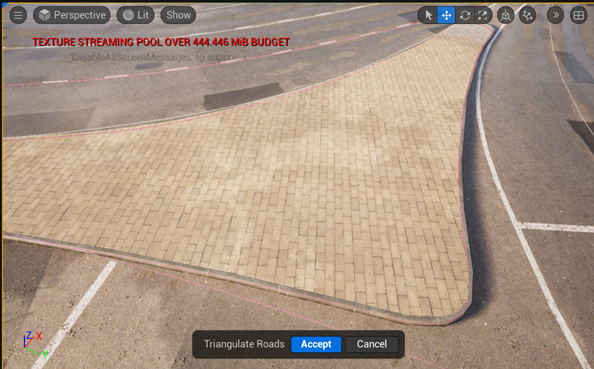
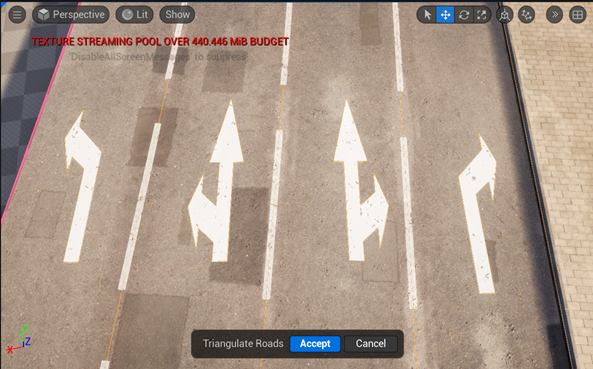
To start using Closed Loop Spline, just specify two parameters for URoadSplineComponent in the Details Panel:
Set Spline -> Closed Loop to
trueSet Road -> RoadLayout -> Filled Instance to
DrivingorSidewalk
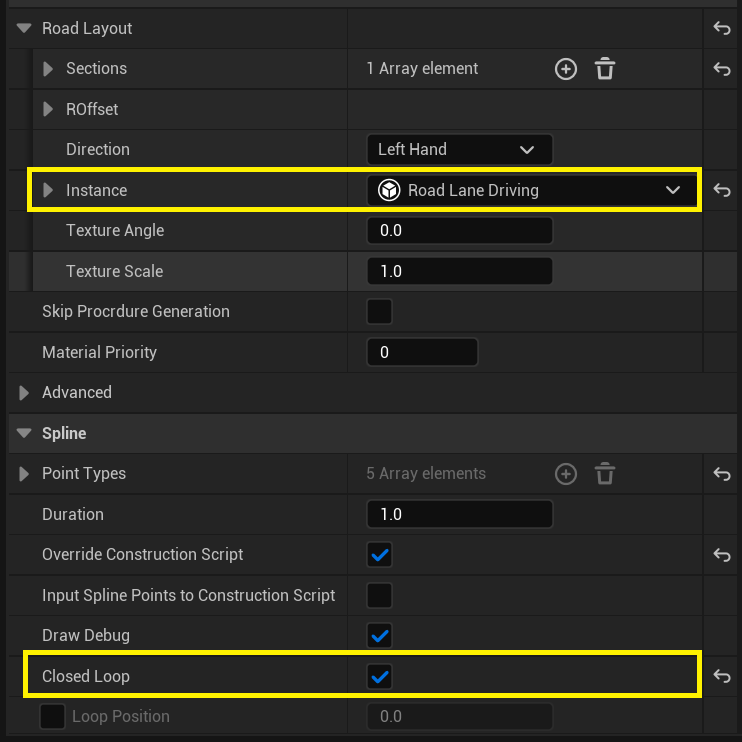
After this, URoadSplineComponent turns into a familiar polygon drawing tool:
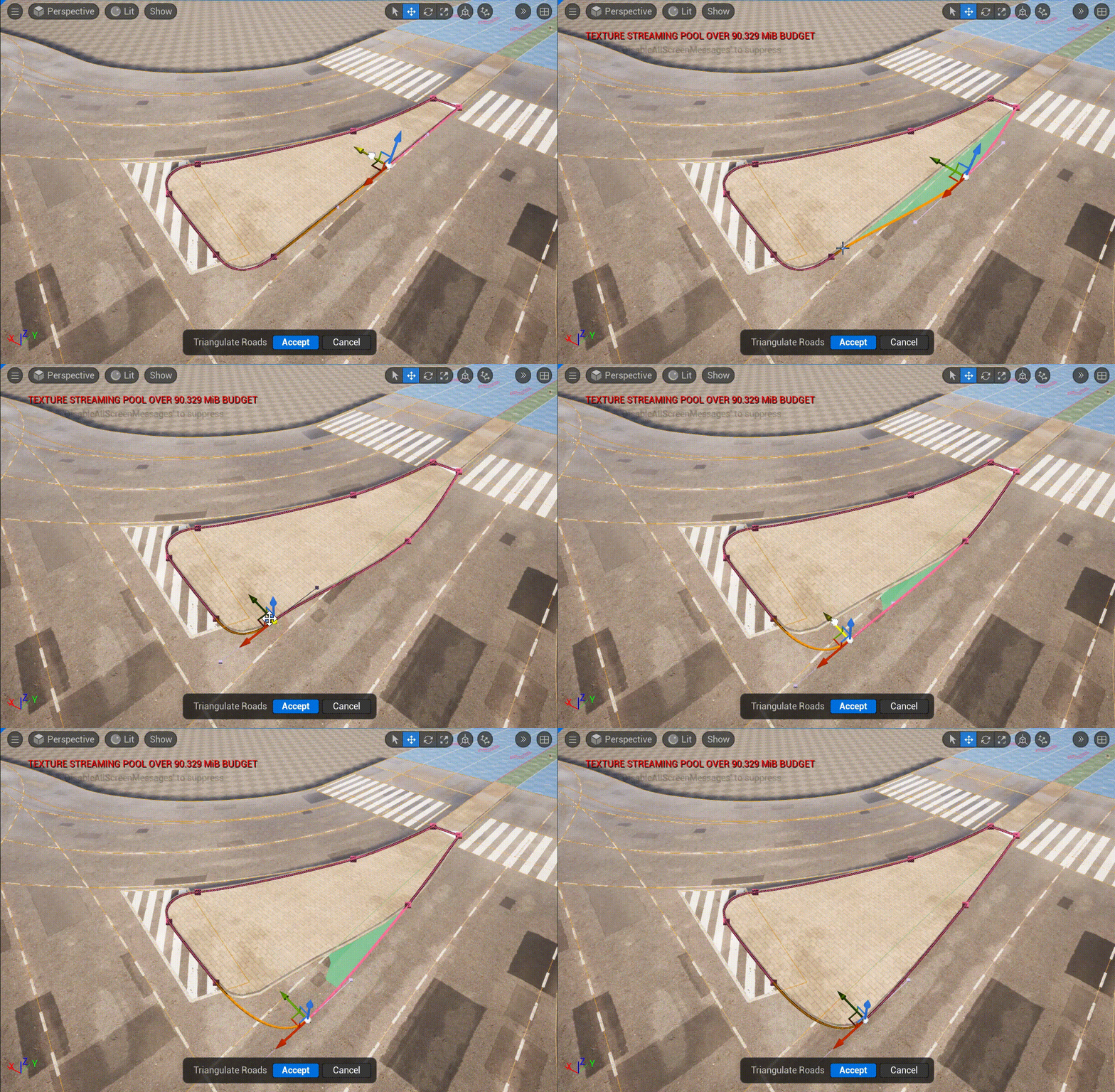
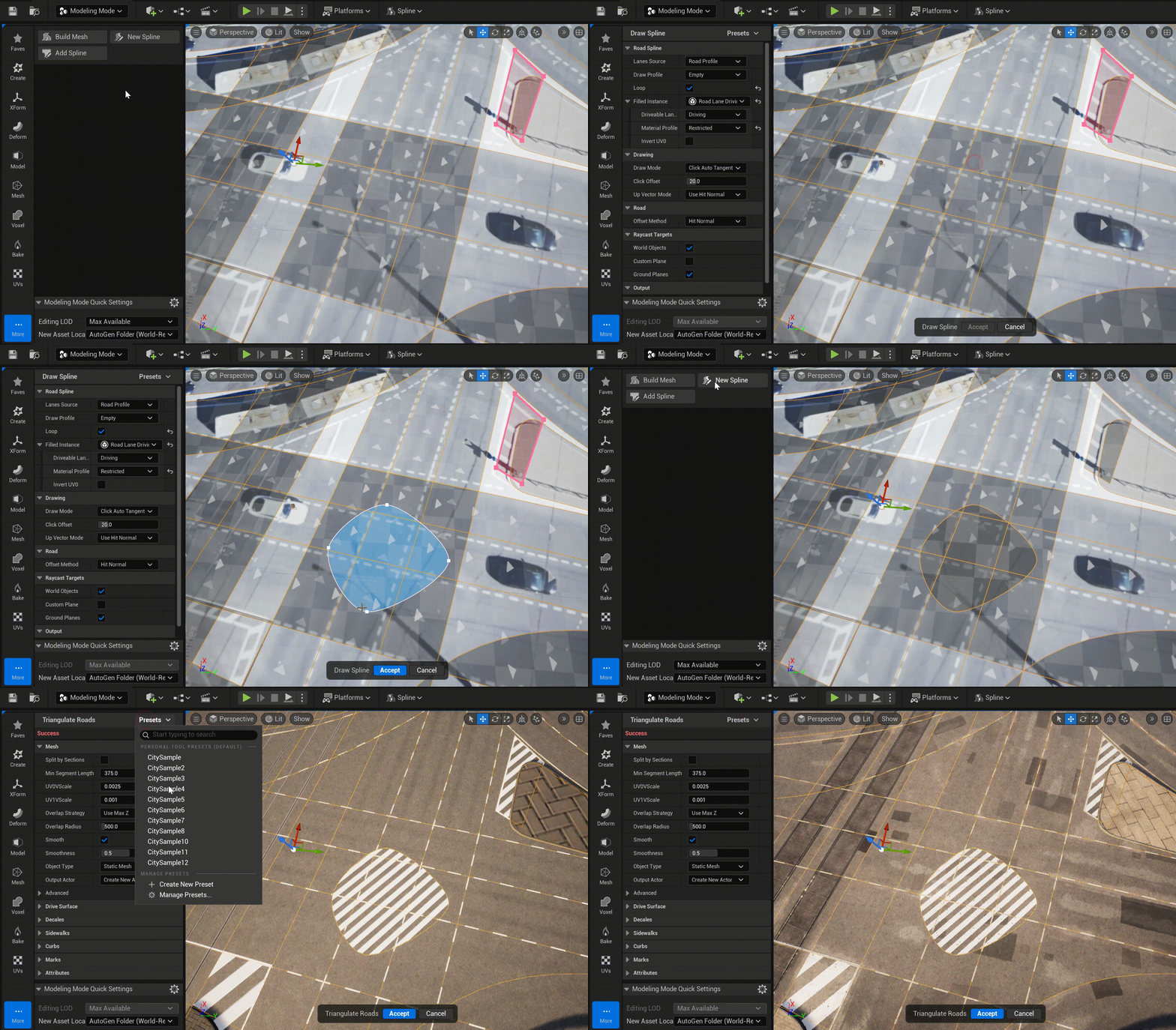
In the Draw Tool, you can immediately begin drawing the closed loop URoadSplineComponent. To do this, set the following parameters in the Draw Tool parameters:
Set Road Spline -> Loop to
trueSet Road Spline -> Filled Instance to
DrivingorSidewalk
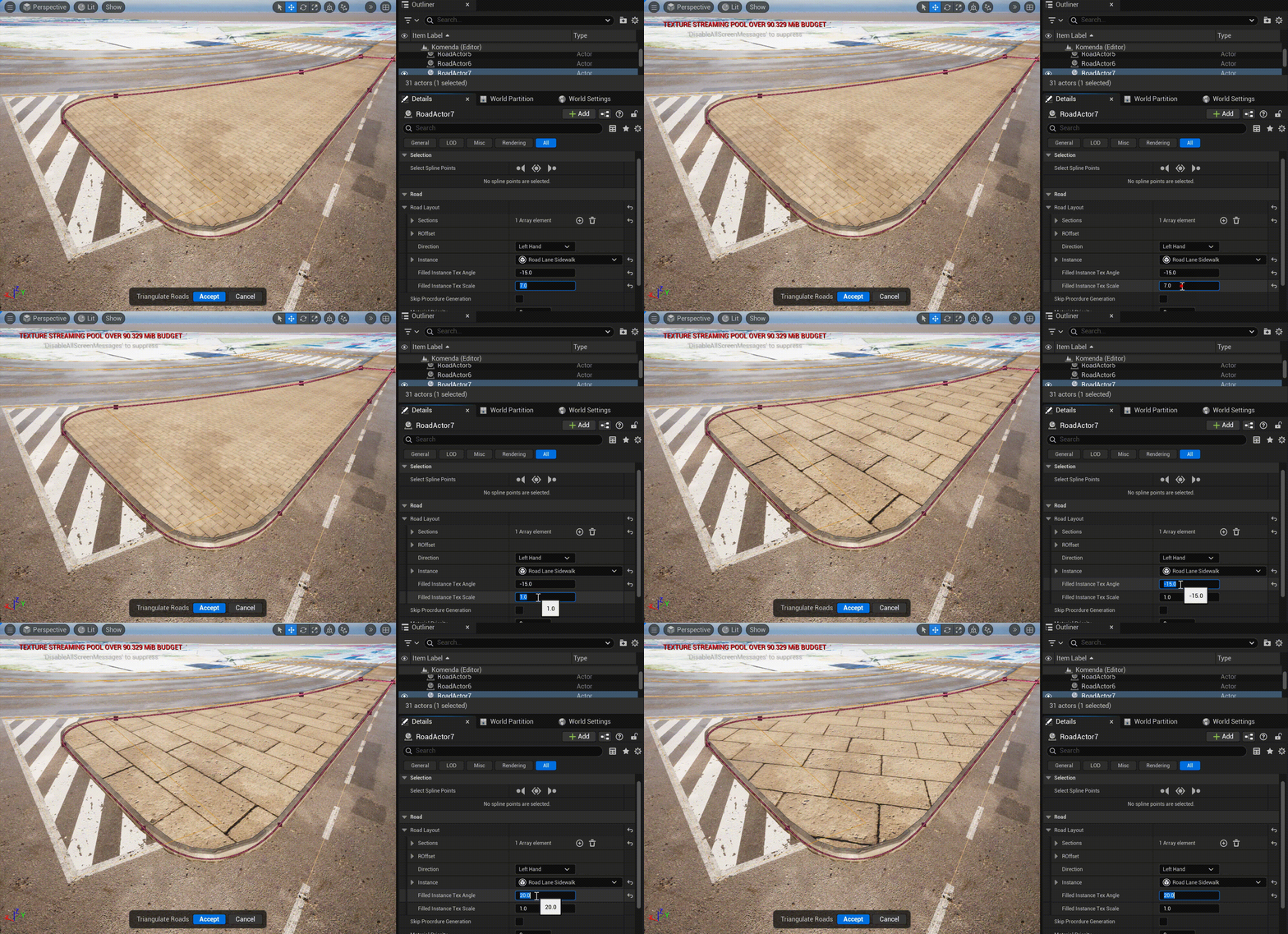
In the Details Panel for URoadSplineComponent you can set the parameters for generating texture coordinates - angle and scale:
Important
It’s important that the drawn “islands” be located within the same Actor as the main road surface (another logically related URoadSplineComponents). This will allow the procedural mesh of the entire road section to be correctly generated as a single unit.