6. Profiles
MetaRoad offers the ability to create various “presets” of road elements.
Each “preset” is an UnrealEngine asset that you can add in the Content Browser window under the Meta Road category:
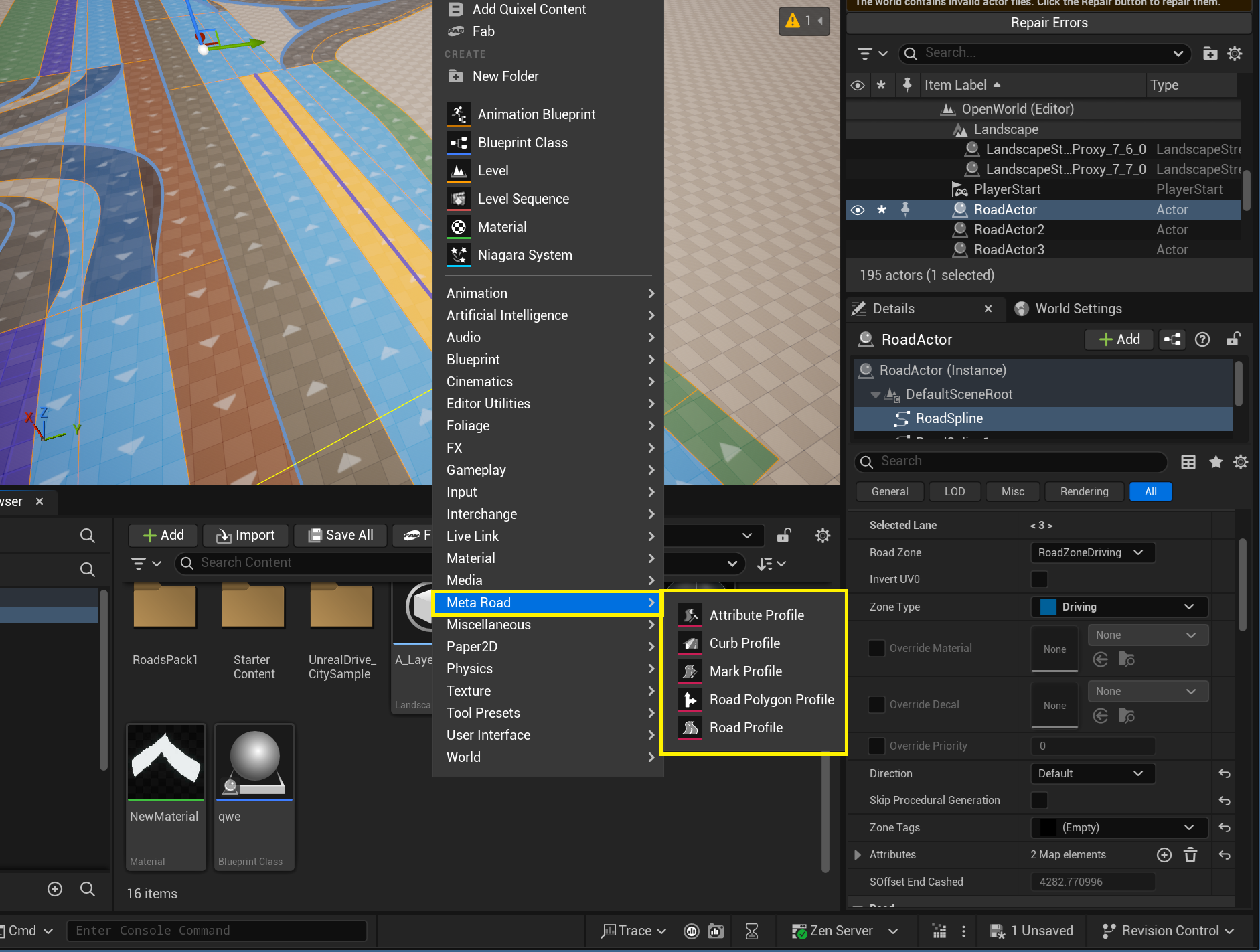
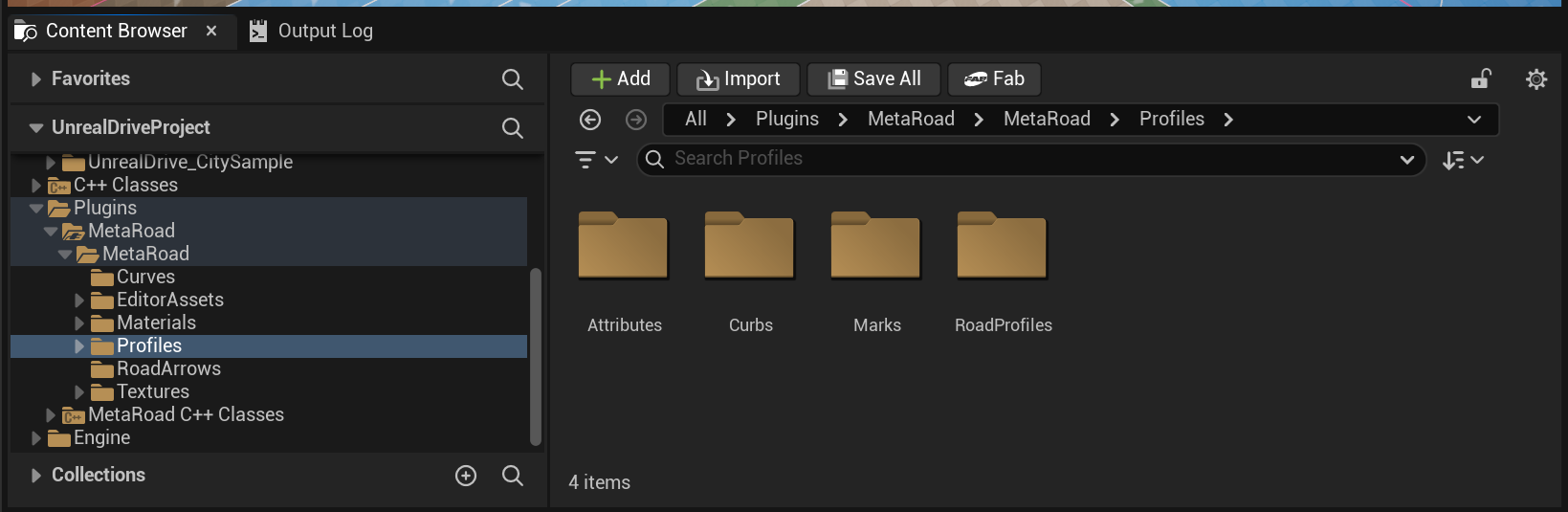
The MetaRoad already has a default presets at /MetaRoad/DefaultPreset. It should not be changed for backward compatibility:
6.1. Road Profile
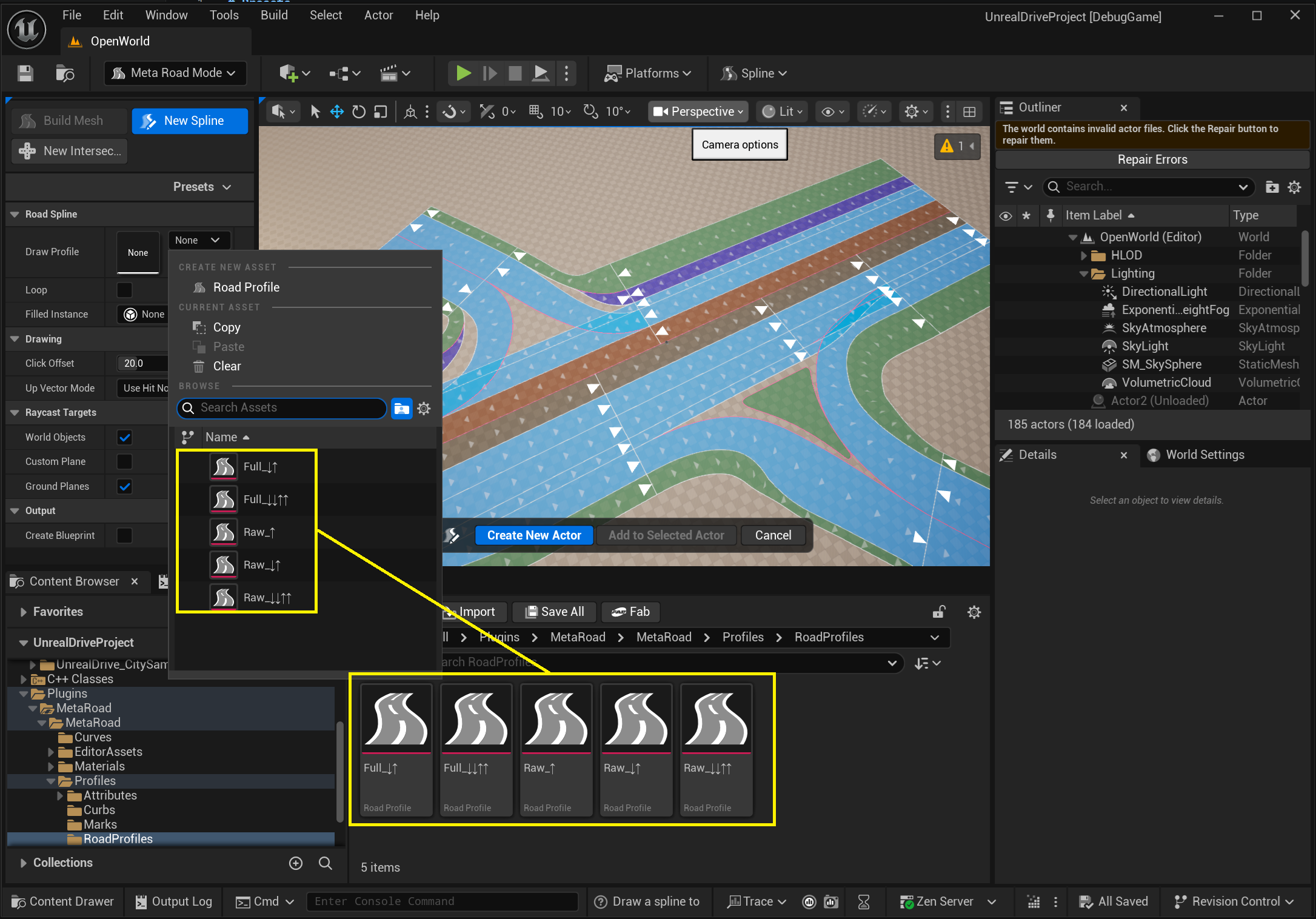
Contains road drawing profile using in Draw Spline Tool:
6.2. Curb Profile
Contains curb type profiles for Road Lane type RoadLaneSidewalk. You can set the curb material and geometry. These profiles are available in Build Mesh Modeling Tool:
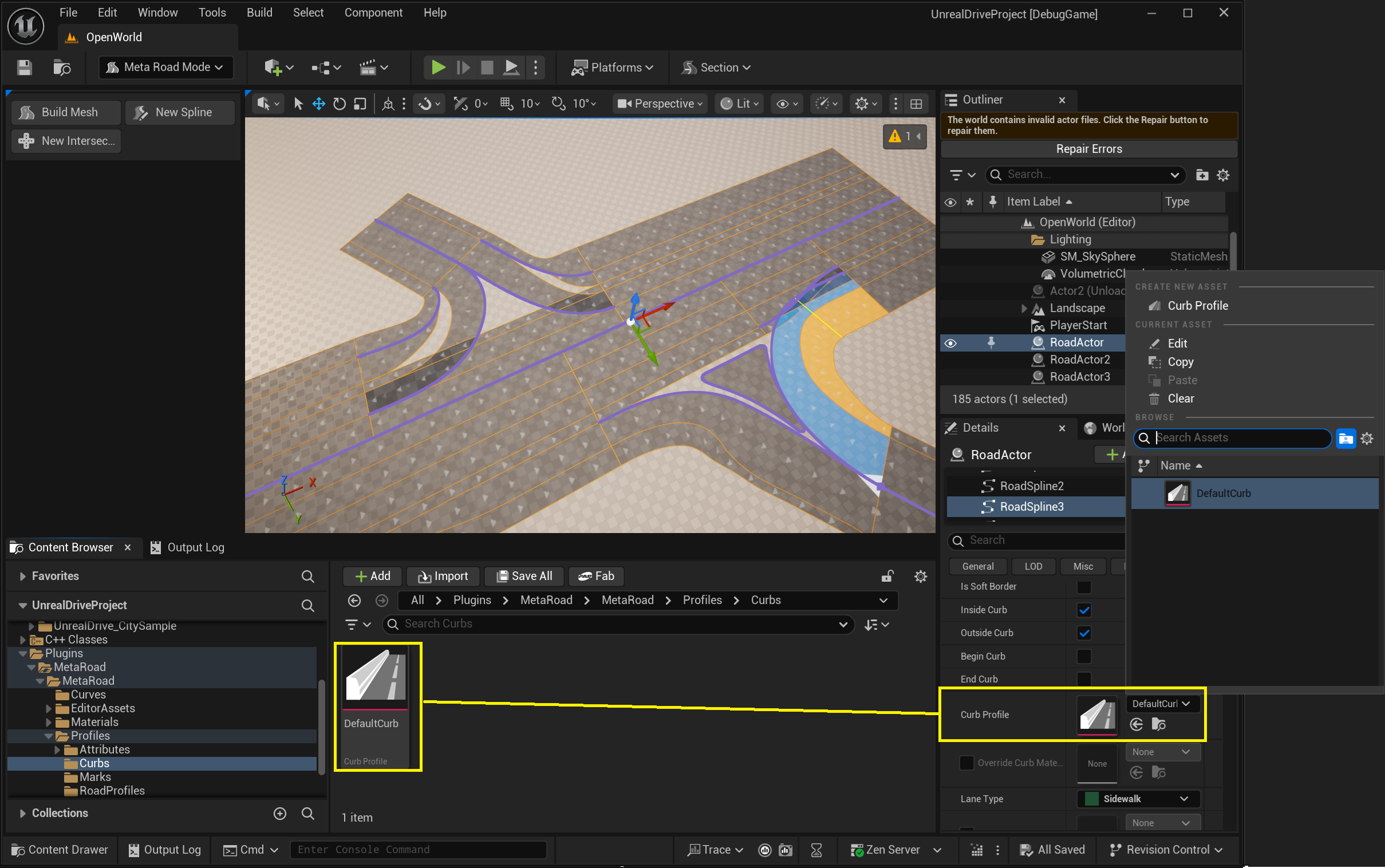
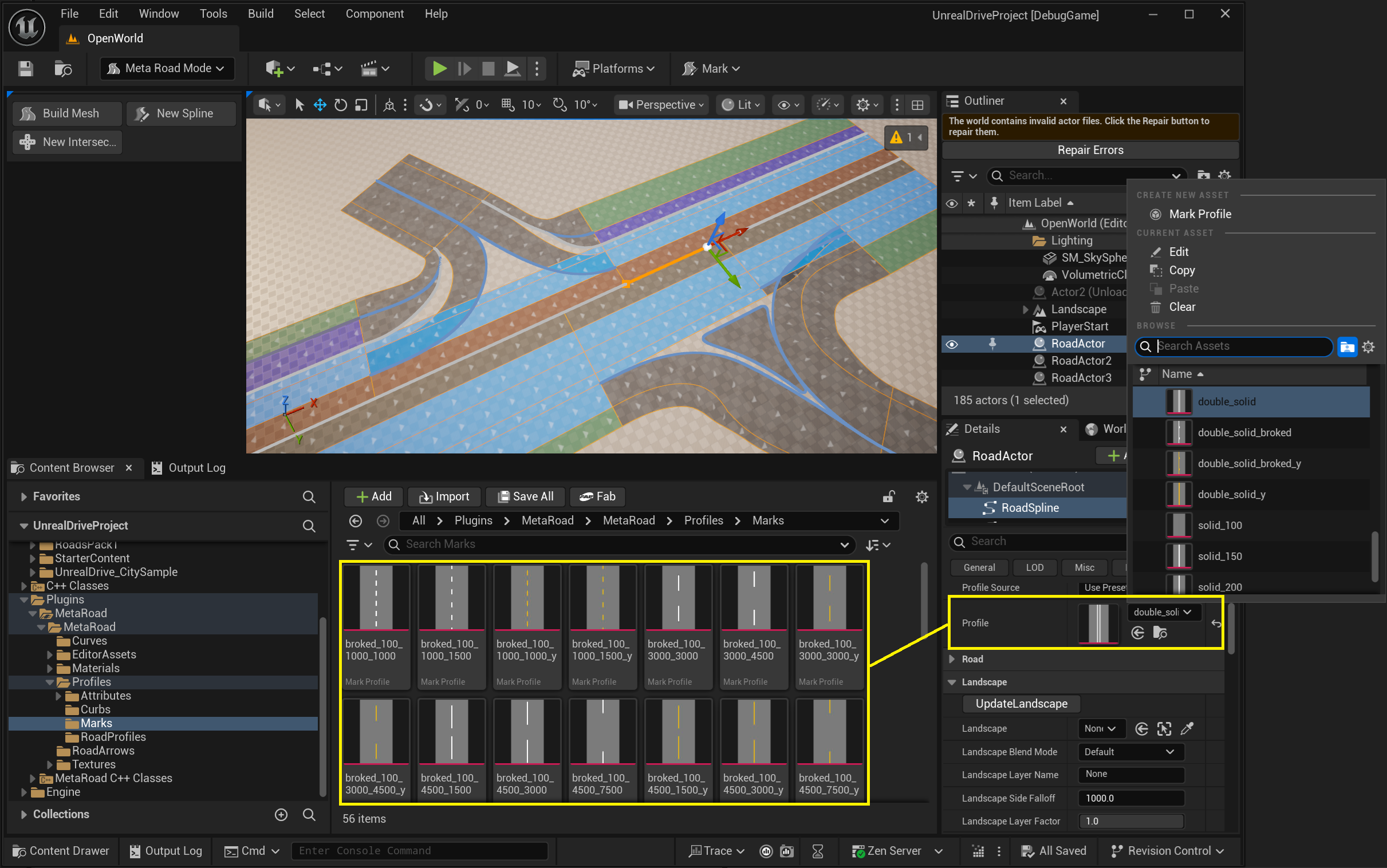
6.3. Mark Profile
Contains profiles of road marking types for Road Lane type RoadLaneDriving. You can specify the type (solid, dashed, double), dimensions, and color of the marking strip. These profiles are available in Road Mark Attribute:
6.4. Attribute Profile
Allows to create custom Lane Attribute. All new attributes are automatically available in Attribute Mode:
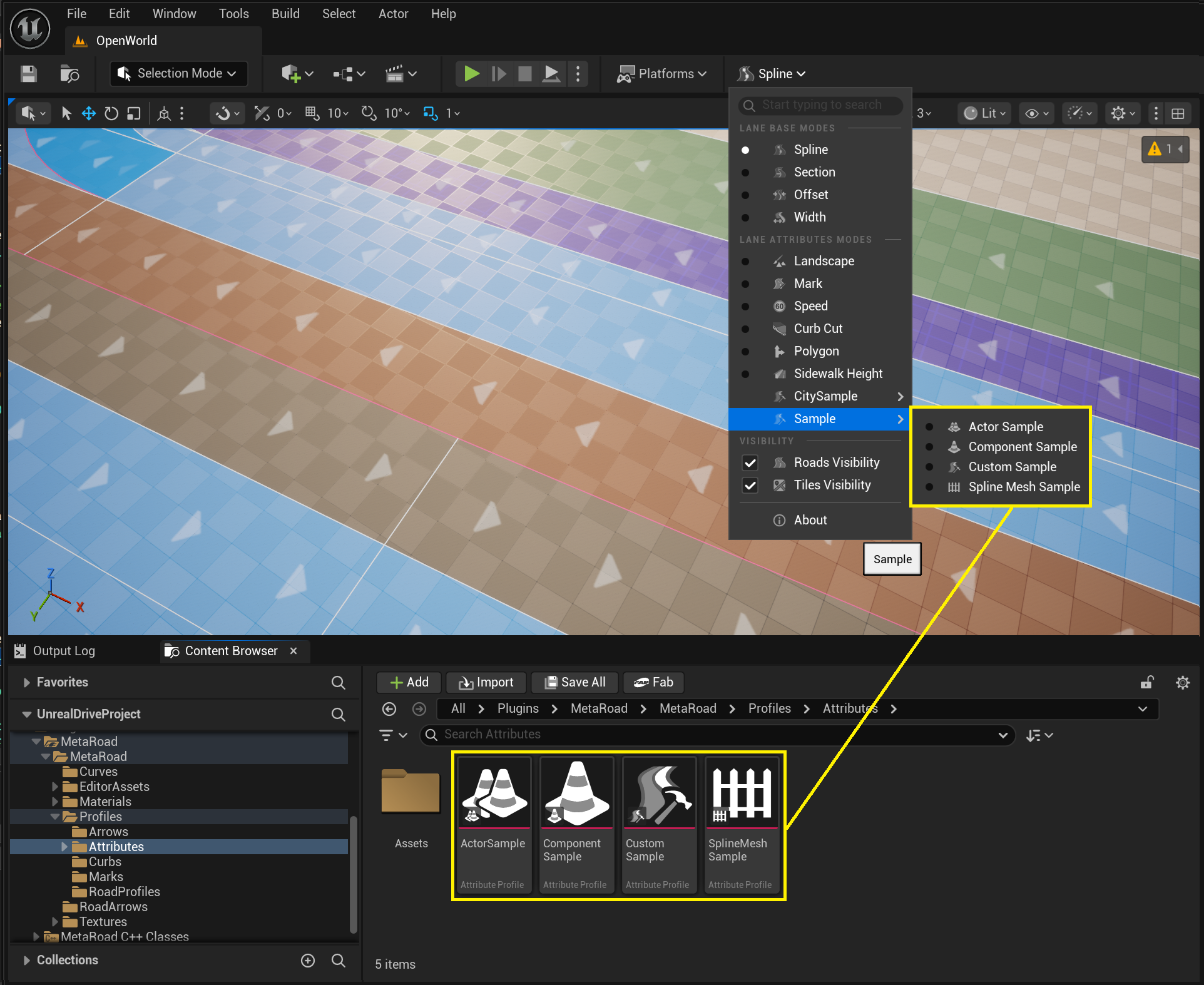
After selecting the option to create an Attribute Profile, you will be asked to select the base class of the Attribute Profile.
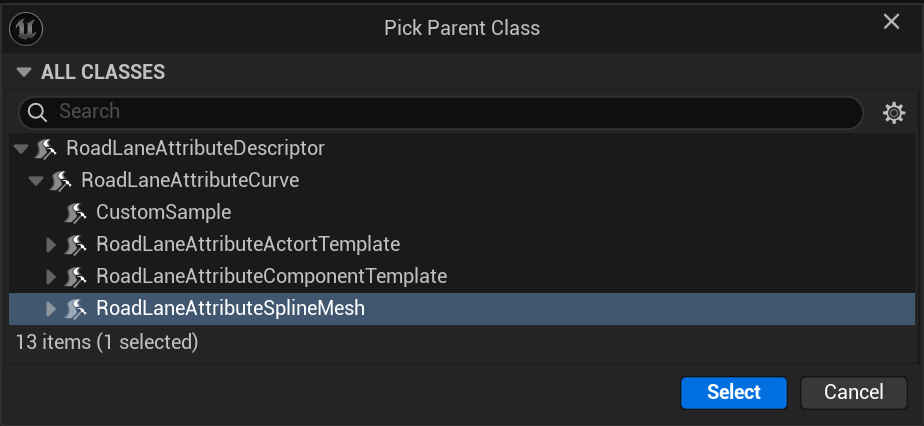
Attributes can store any data and perform any actions along road lanes. Below is a group of Curve attributes (URoadLaneAttributeCurve) that can be used to generate various objects along road lanes.
6.4.1. Curve
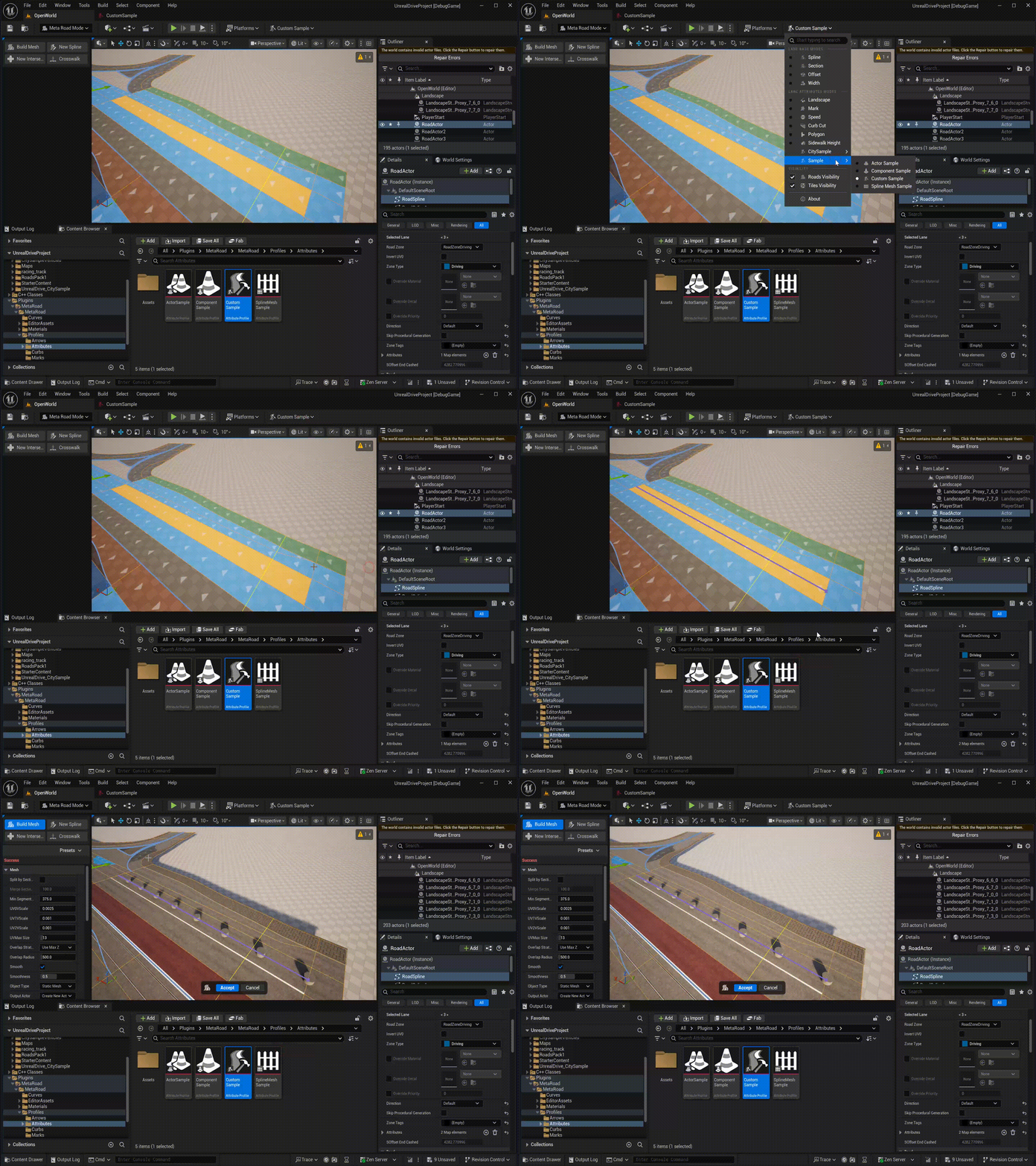
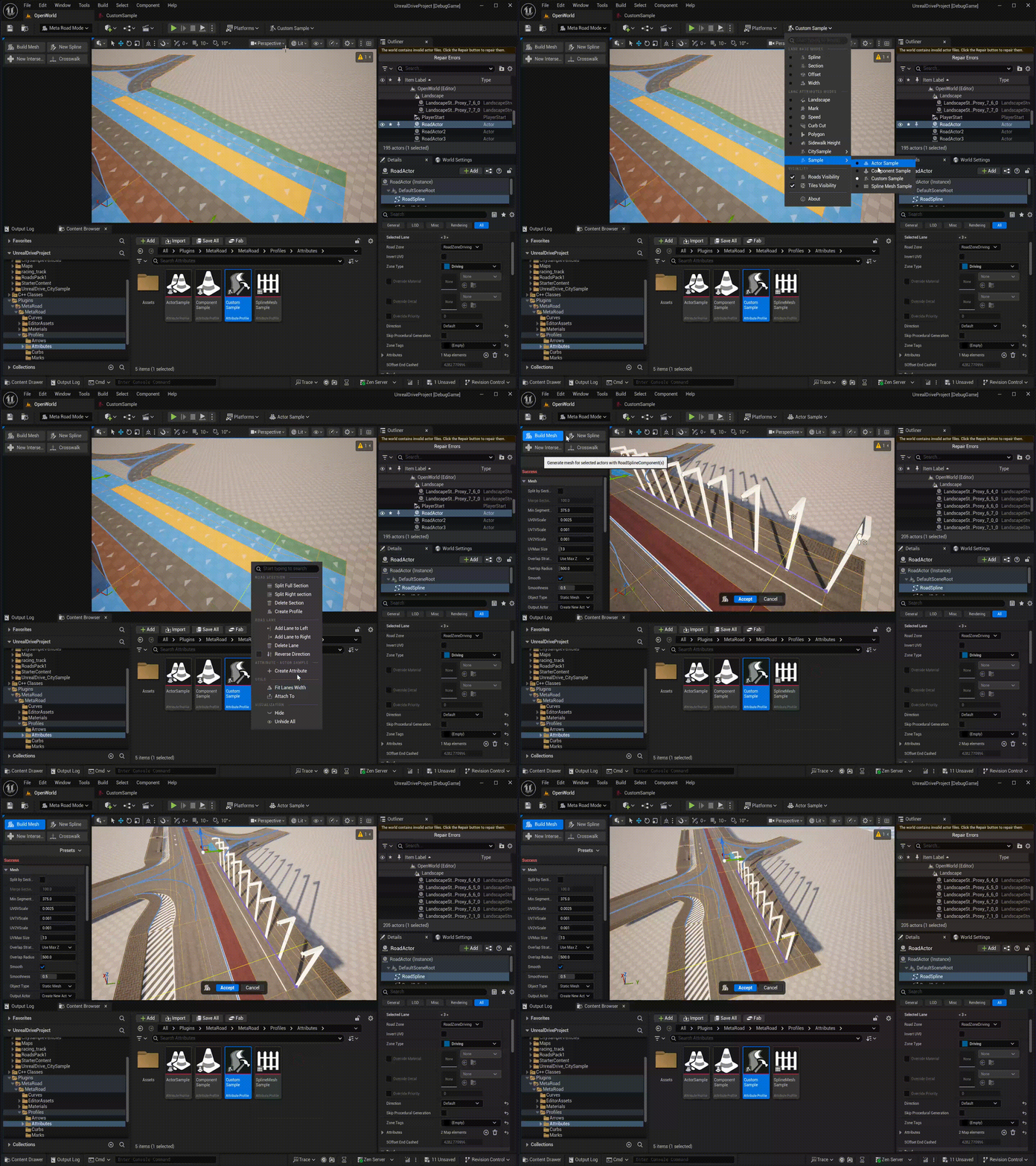
This is the base class (URoadLaneAttributeCurve) allows to generate objects along a road lane. It doesn’t generate anything itself, but provides the GenerateAssert() method, which must be overridden in BP or C++:
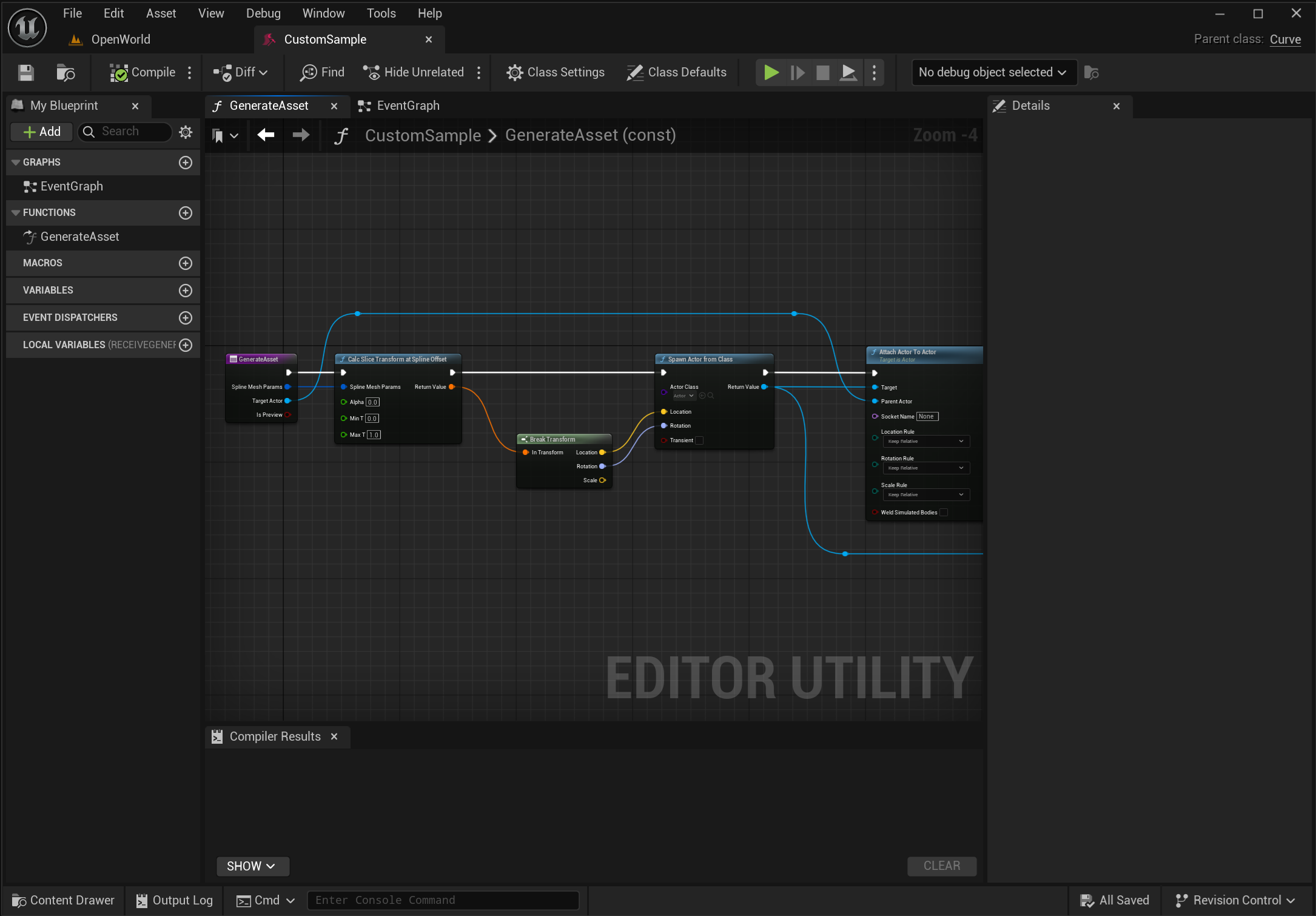
Example of such an asset at: /MetaRoad/MetaRoad/Profiles/Attributes/CustomSample.
6.4.2. Spline Mesh
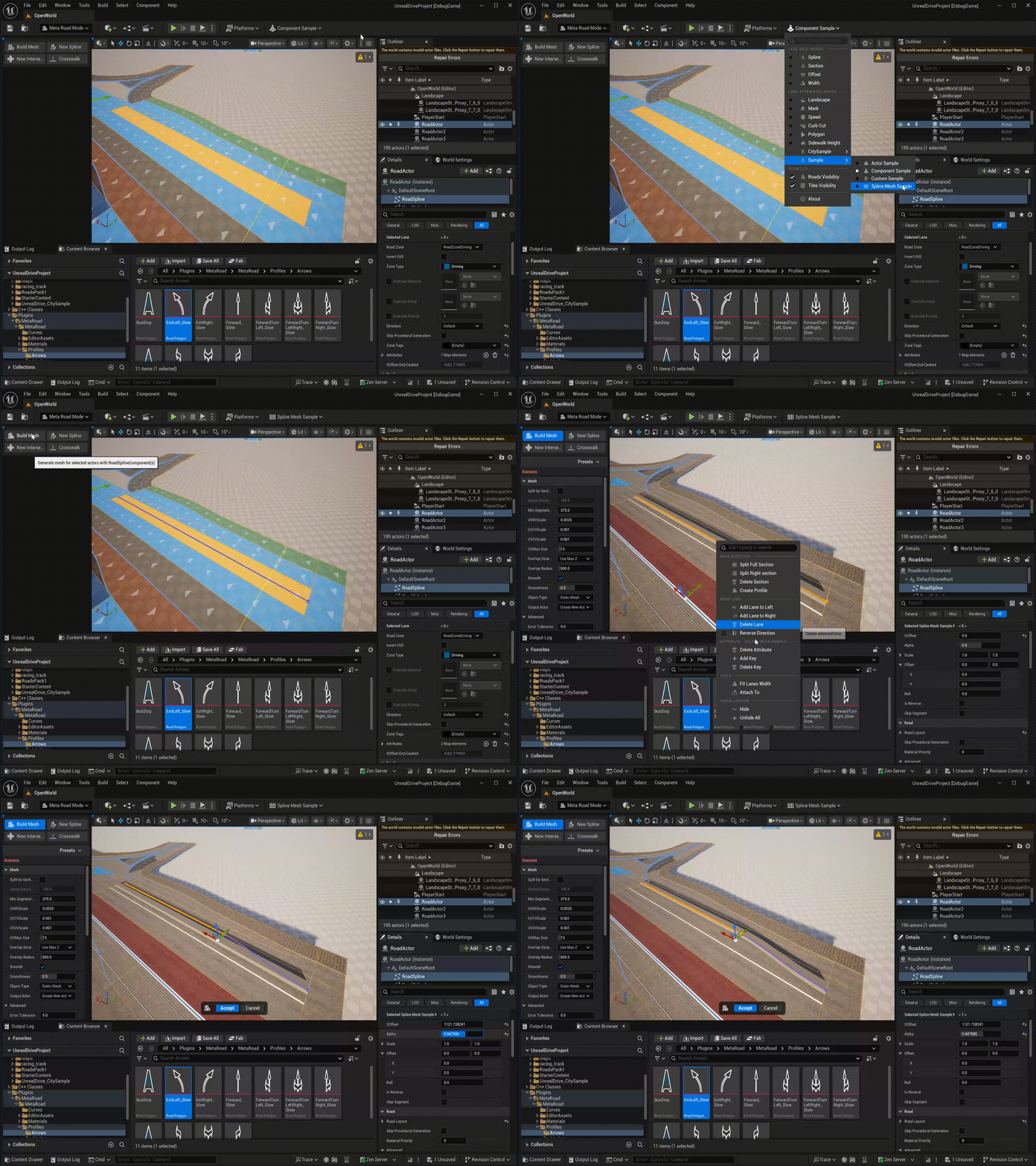
Allows to generate USplineMeshComponent from Static Mesh along Road Lane at LengthOfSegment interval.
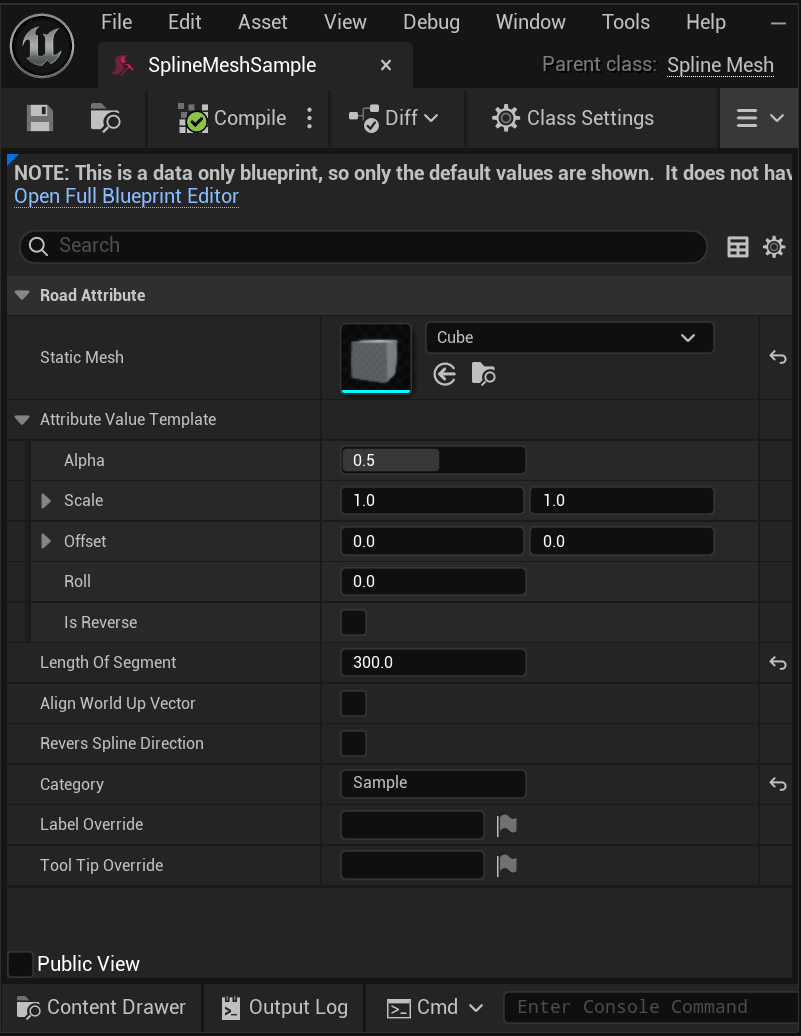
Example of such an asset at: /MetaRoad/MetaRoad/Profiles/Attributes/SplineMeshSample.
6.4.3. Component Template
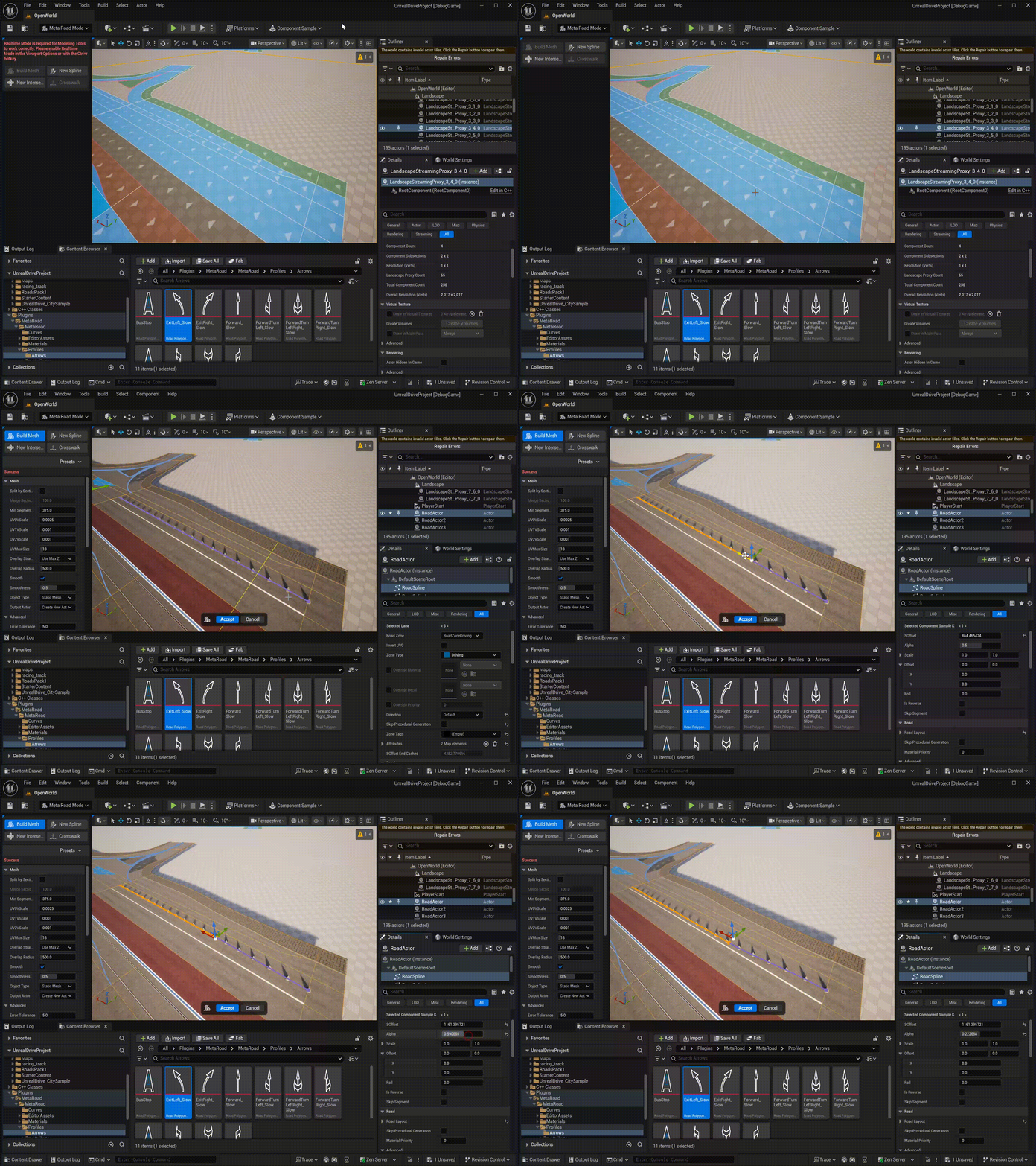
Allows to generate arbitrary USceneComponent from Component Template along Road Lane at LengthOfSegment interval.
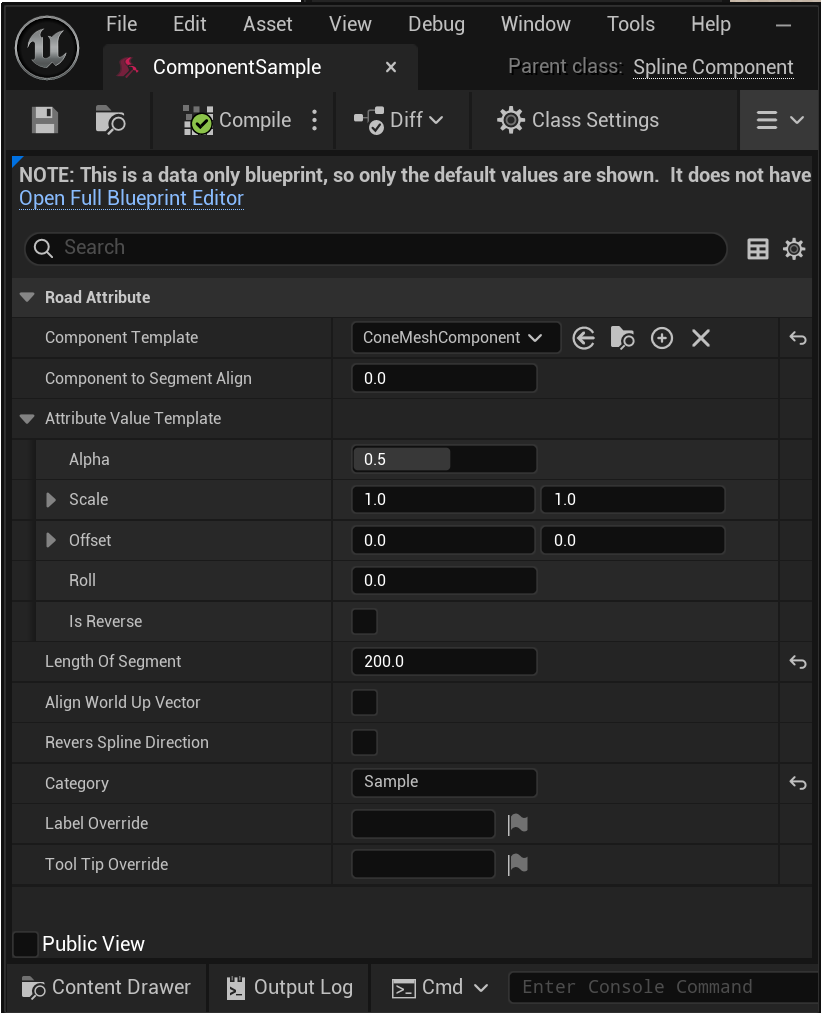
Example of such an asset at: /MetaRoad/MetaRoad/Profiles/Attributes/ComponentSample.
This template is convenient to use for repeating objects along Road Lane, such as traffic cones, flagpoles, lampposts, and power lines.
6.4.4. Actor Template
Allows to generate arbitrary Actor along Road Lane at LengthOfSegment interval.
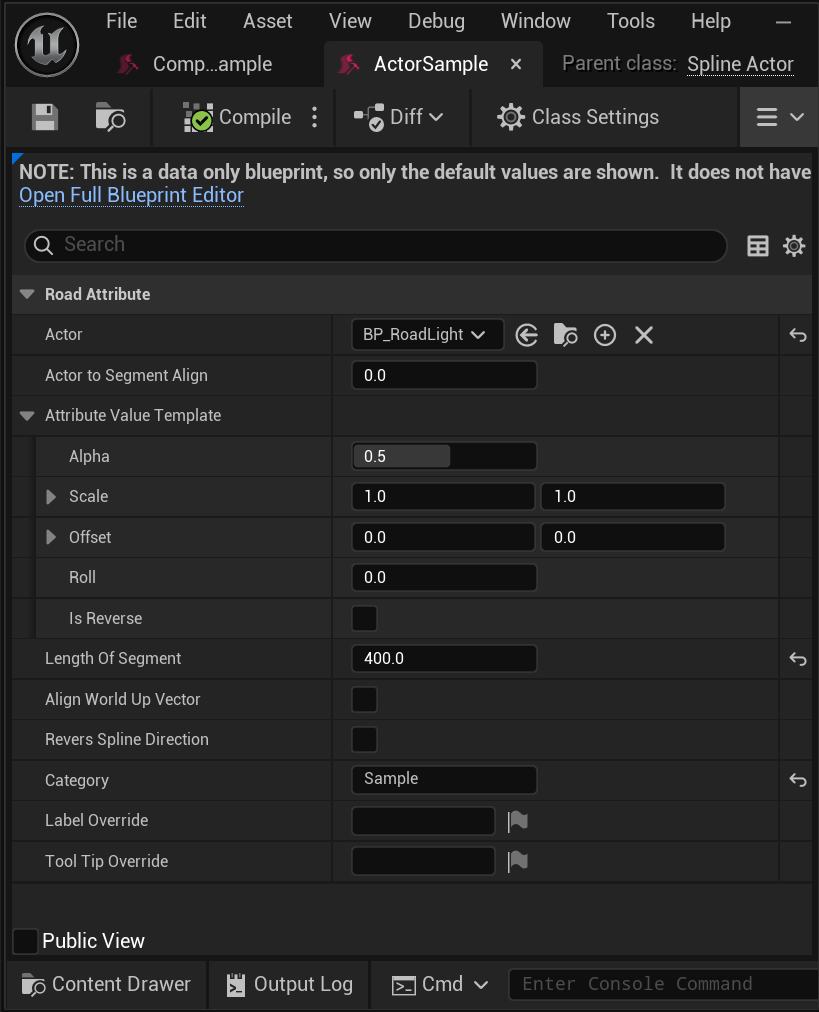
Example of such an asset at: /MetaRoad/MetaRoad/Profiles/Attributes/ActorSample.
6.5. Polygon Profile (Pro)
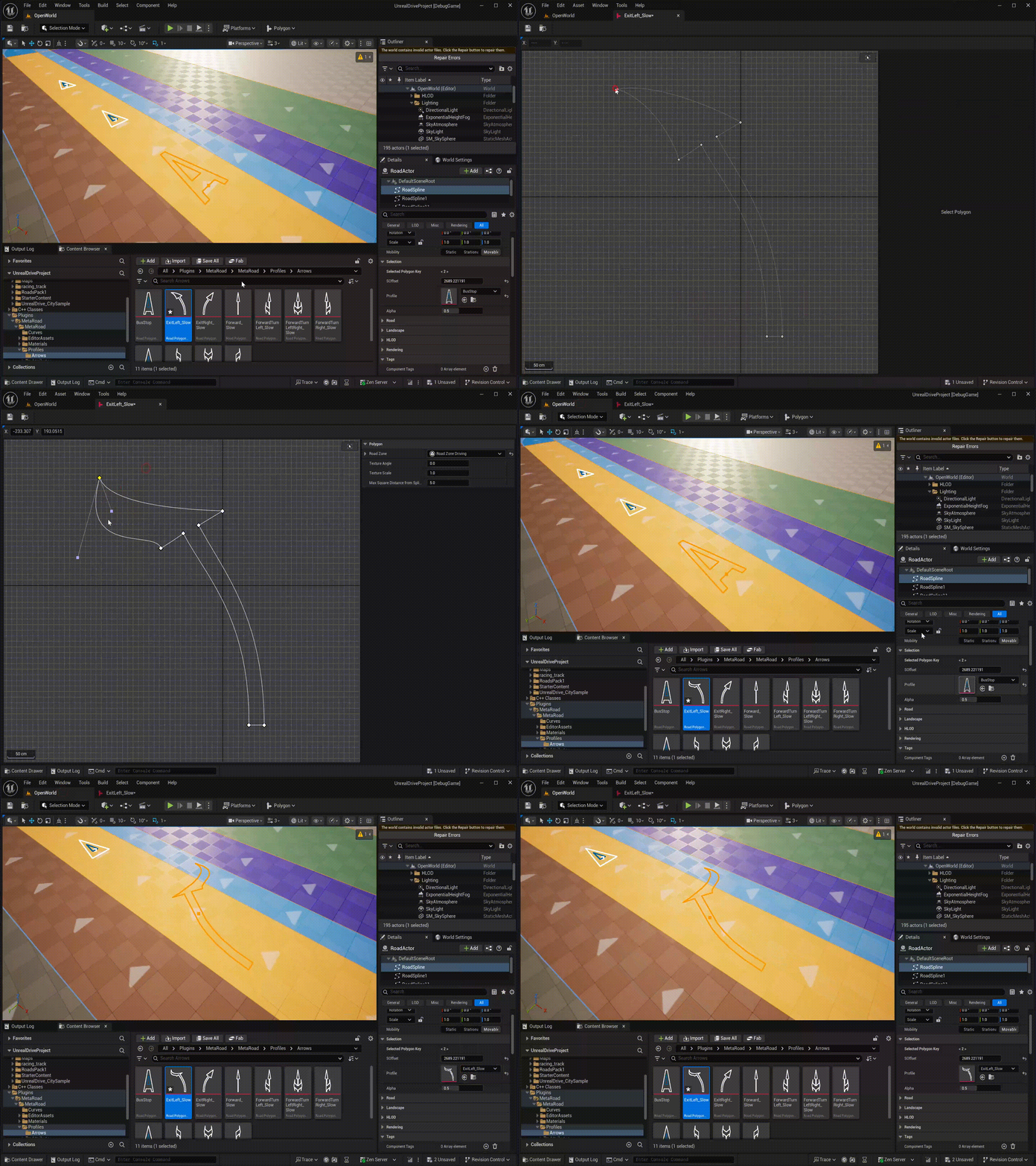
A Polygon Profile (URoadPolygonProfile) is a reusable asset that stores one or more 2D closed polygon shapes. These shapes are used by the Polygon Attribute to place custom overlays (stop lines, arrows, hatching, etc.) on road lanes.
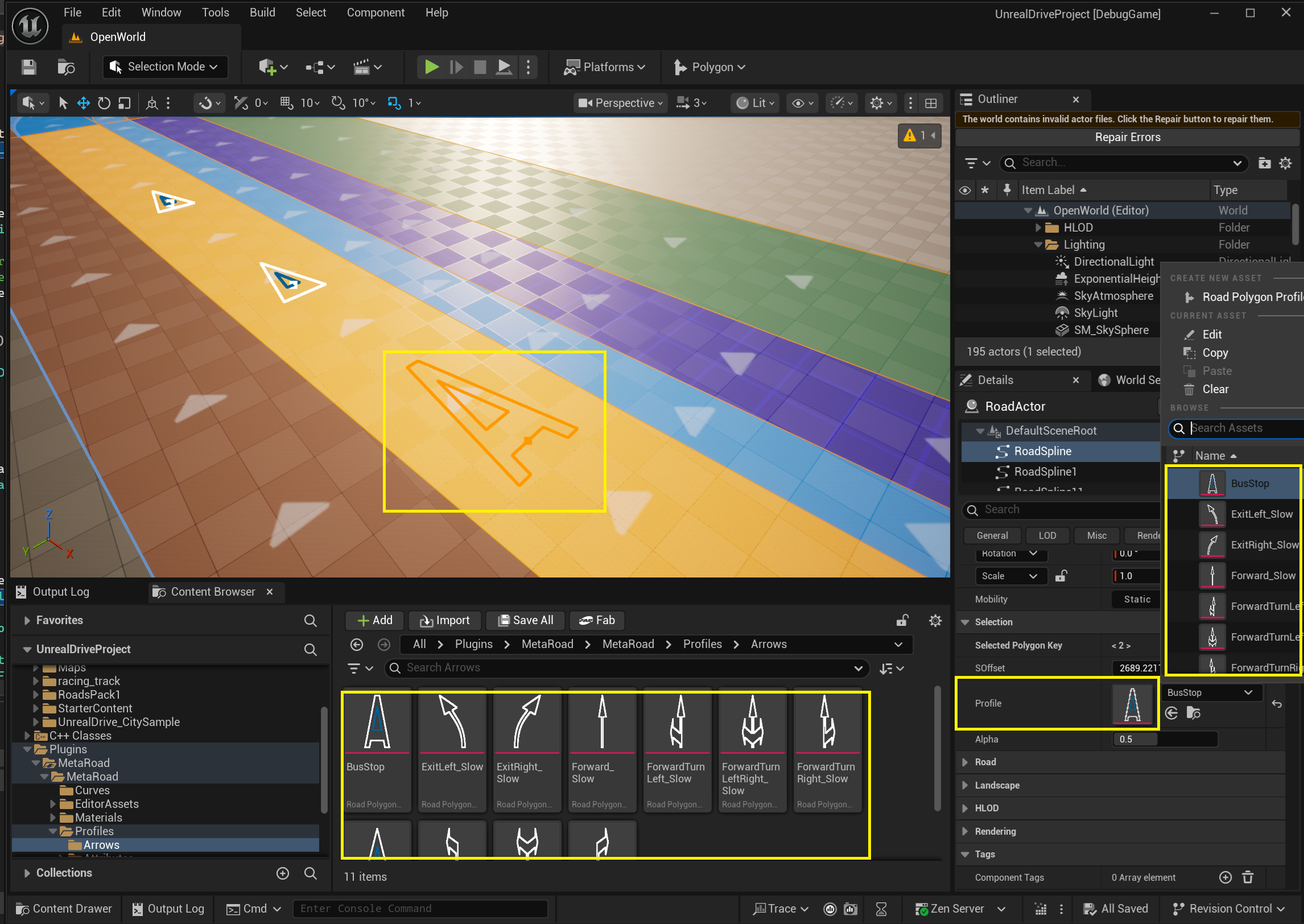
Each profile contains an array of Polygon entries. Every entry defines:
Property |
Description |
|---|---|
|
A 2D Hermite spline ( |
|
Road surface type applied to this polygon (determines its material and color) |
|
UV texture rotation in degrees |
|
UV texture scale multiplier |
|
Curve-to-polyline simplification tolerance |
6.5.1. Polygon Editor
Double-clicking a Polygon Profile opens a dedicated 2D canvas editor:
LMB drag — move polygon points or their tangent handles (for Hermite curve modes)
RMB context menu — add or delete polygons and individual points
Scroll — zoom in/out
MMB / RMB drag — pan the canvas
Multiple polygons are visible simultaneously; the active polygon is highlighted while others are dimmed
The Polygon Profile can be referenced by the Profile property of any Polygon Attribute key, allowing the same shape to be reused across many lanes.