Polygon Attribute (Pro)
Places custom 2D polygon shapes on a lane at specific arc-length positions — stop lines, arrows, hatching, or any surface overlay that doesn’t fit the standard marking system. Each key references a Polygon Profile asset. Keys use stepped evaluation.
Properties
Property |
Description |
|---|---|
|
The Polygon Profile asset containing the polygon shapes. |
|
Lateral position [0.1–1.0] within the lane width where the polygon anchor is placed (0.1 = inner edge, 0.5 = center, 1.0 = outer edge). |
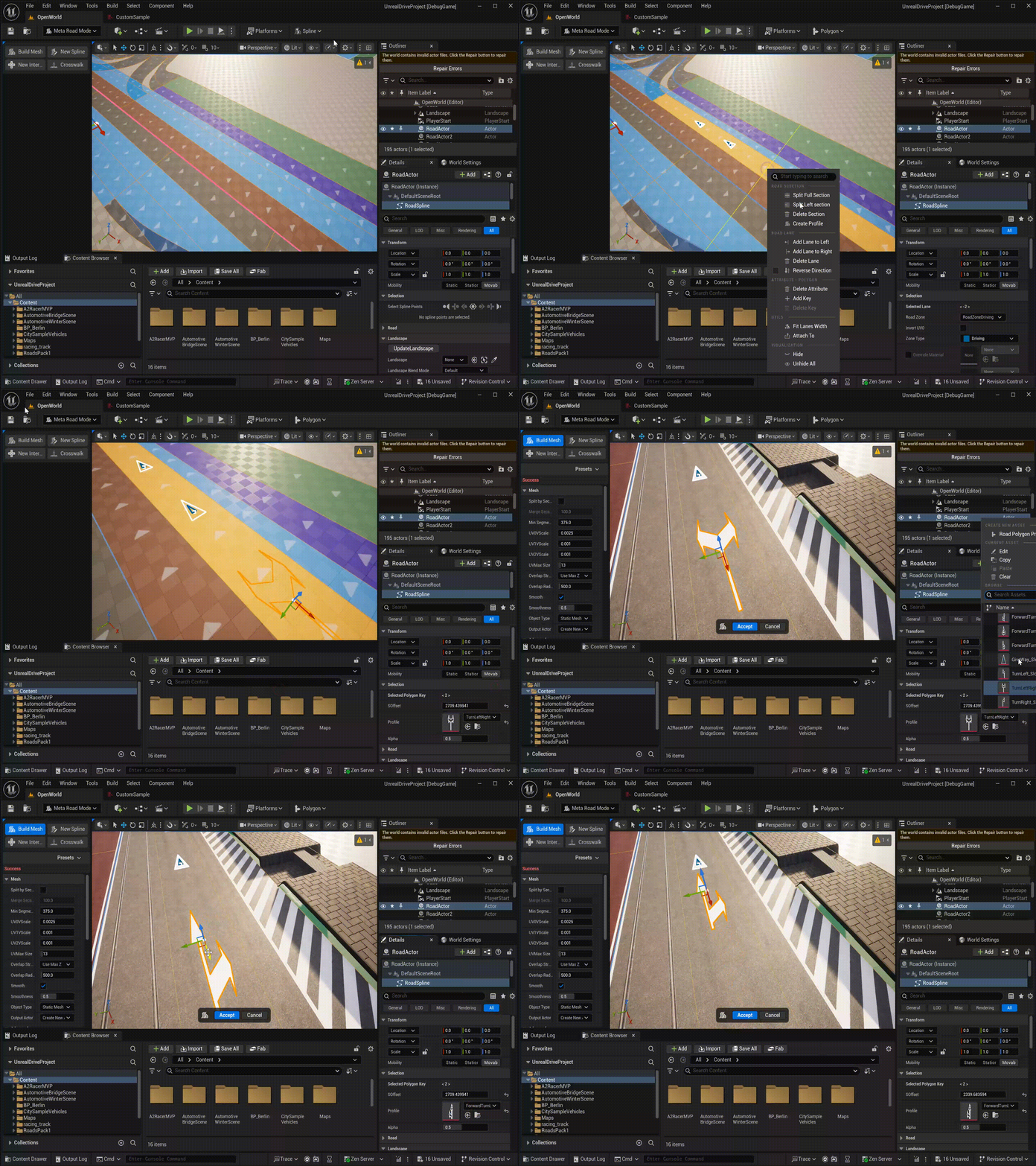
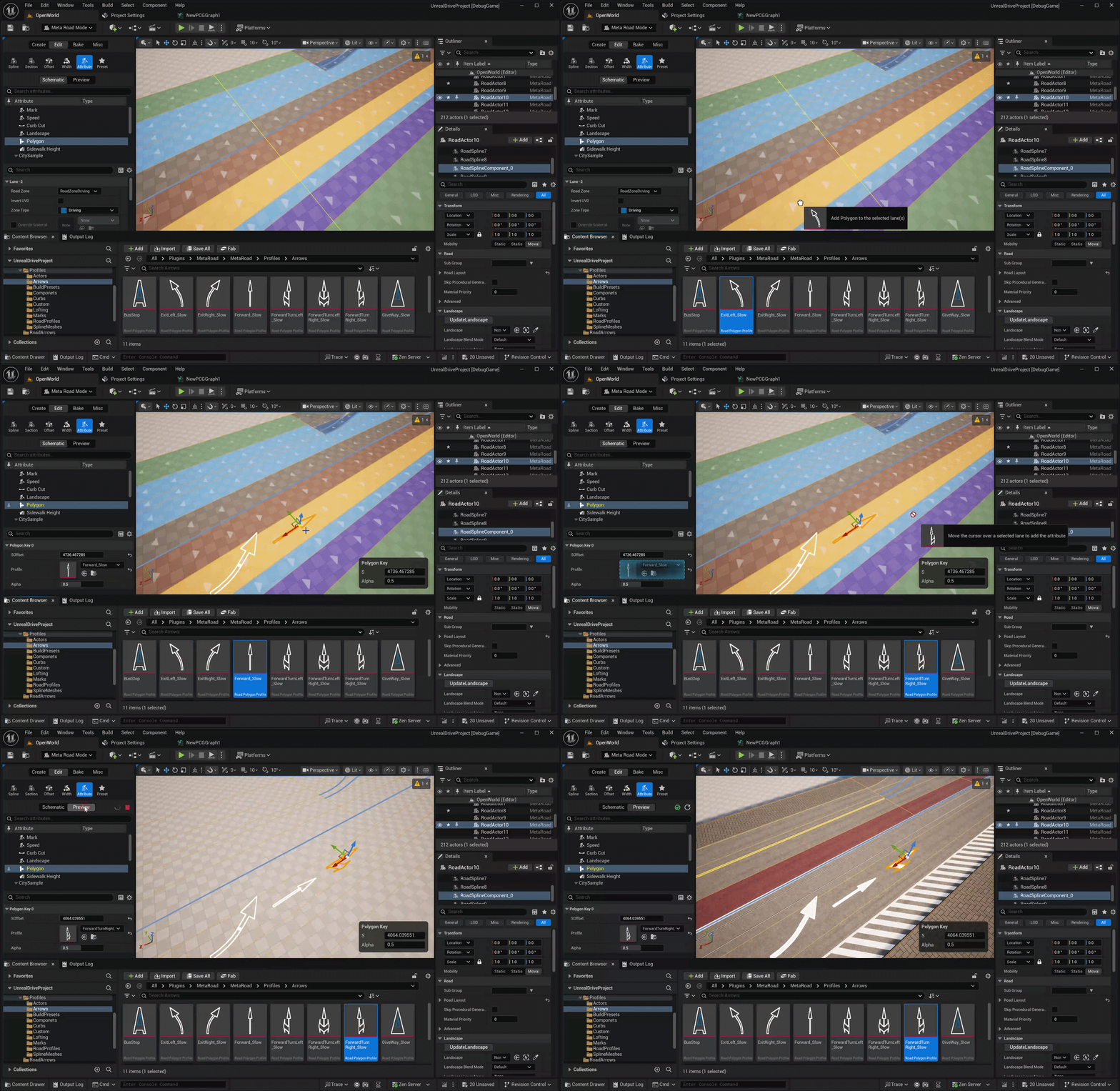
Drag and Drop
Drag a Polygon Profile from the Content Browser onto a lane to add a Polygon key at the nearest point:
See also
Attribute Mode — add and edit this attribute along a lane.
Attributes — how attributes evaluate and are stored.
Polygon Profile — the reusable 2D polygon shapes this attribute places.