Spline Mode
Note
This is the Spline tile in the Edit palette of the Meta Road editor mode
(see The Meta Road Editor Mode). Unlike the other edit sub-modes, the spline
editor is also available outside the Meta Road mode — just select an AMetaRoad in the level.
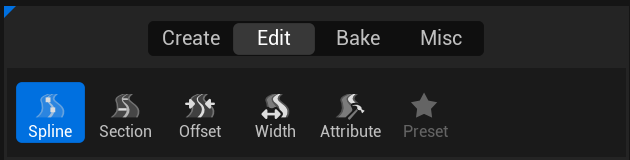
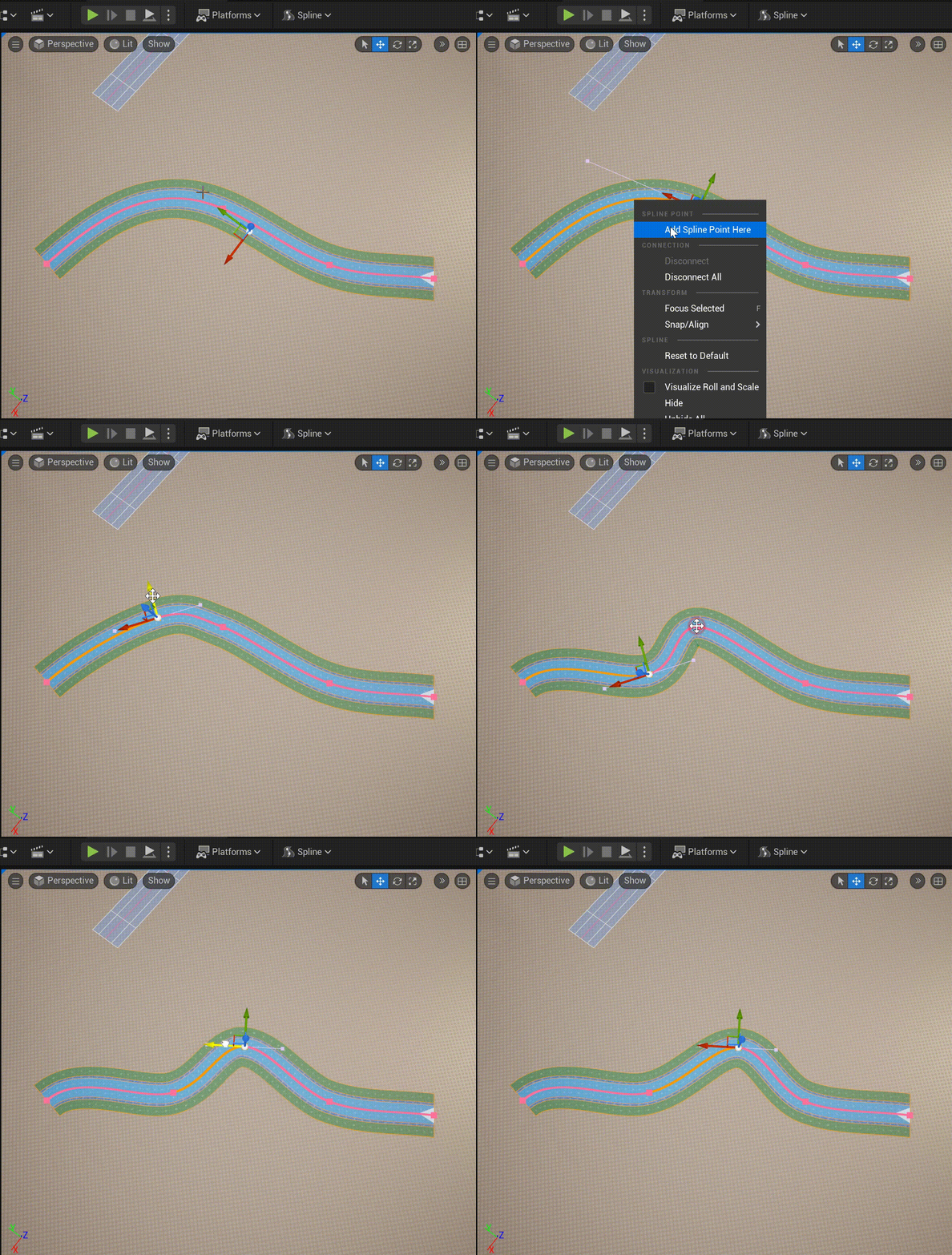
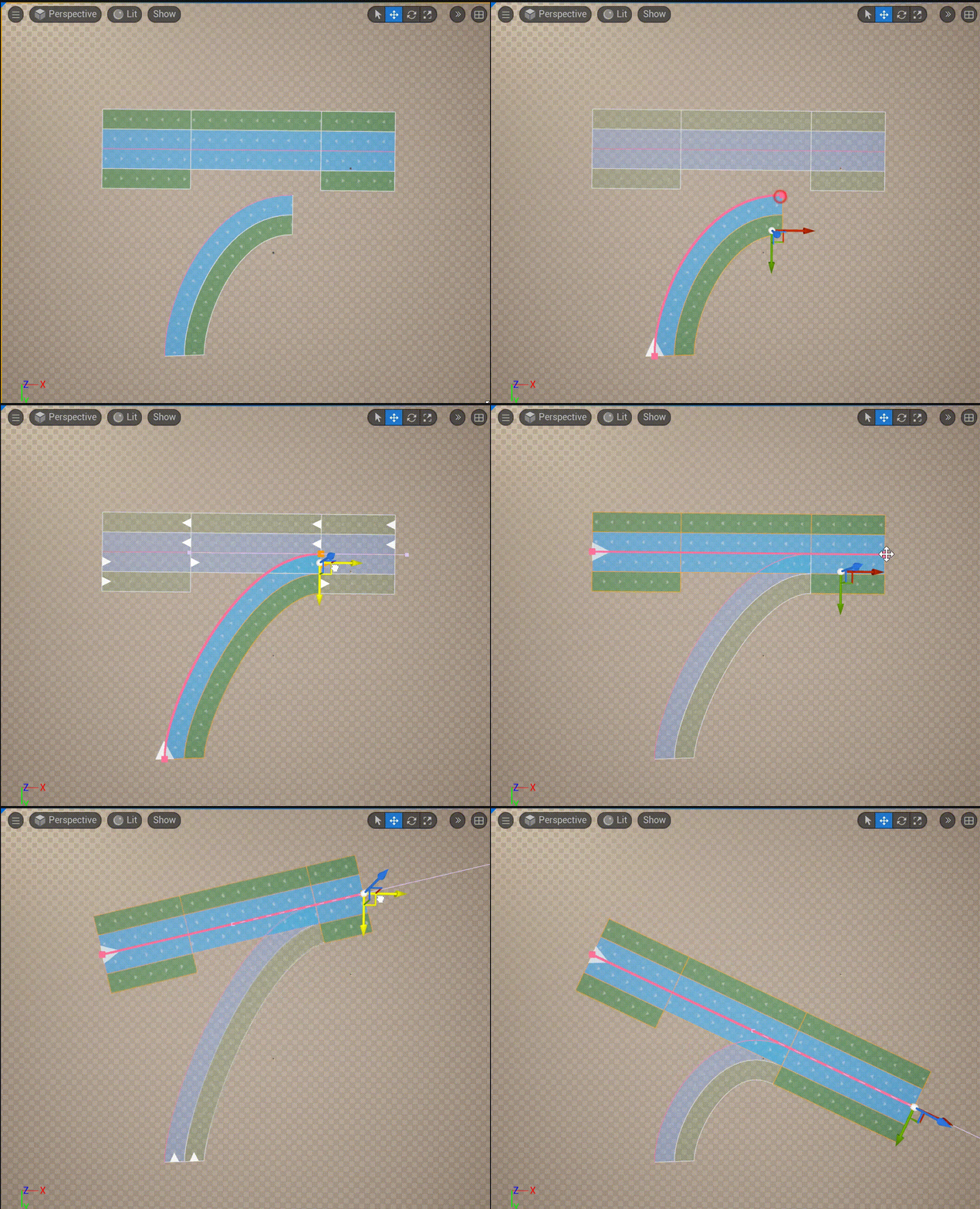
Spline Mode lets you edit a URoadSplineComponent like an ordinary Unreal spline — create and delete nodes and
edit tangents. This is the editing mode for the Road Reference Line. The
spline is drawn pink in this mode.
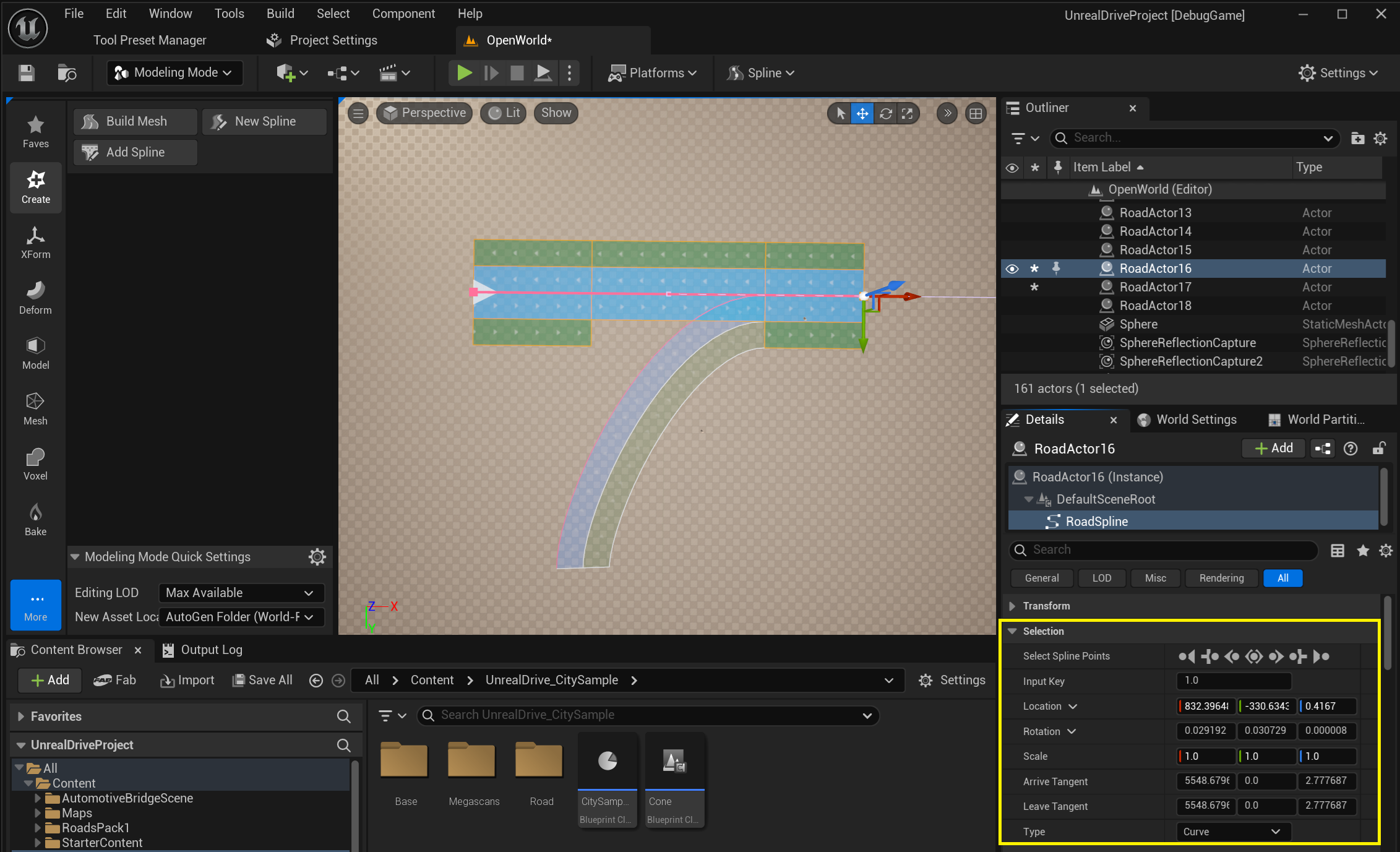
Selection
In the Details panel, the Selection group edits the selected spline node:
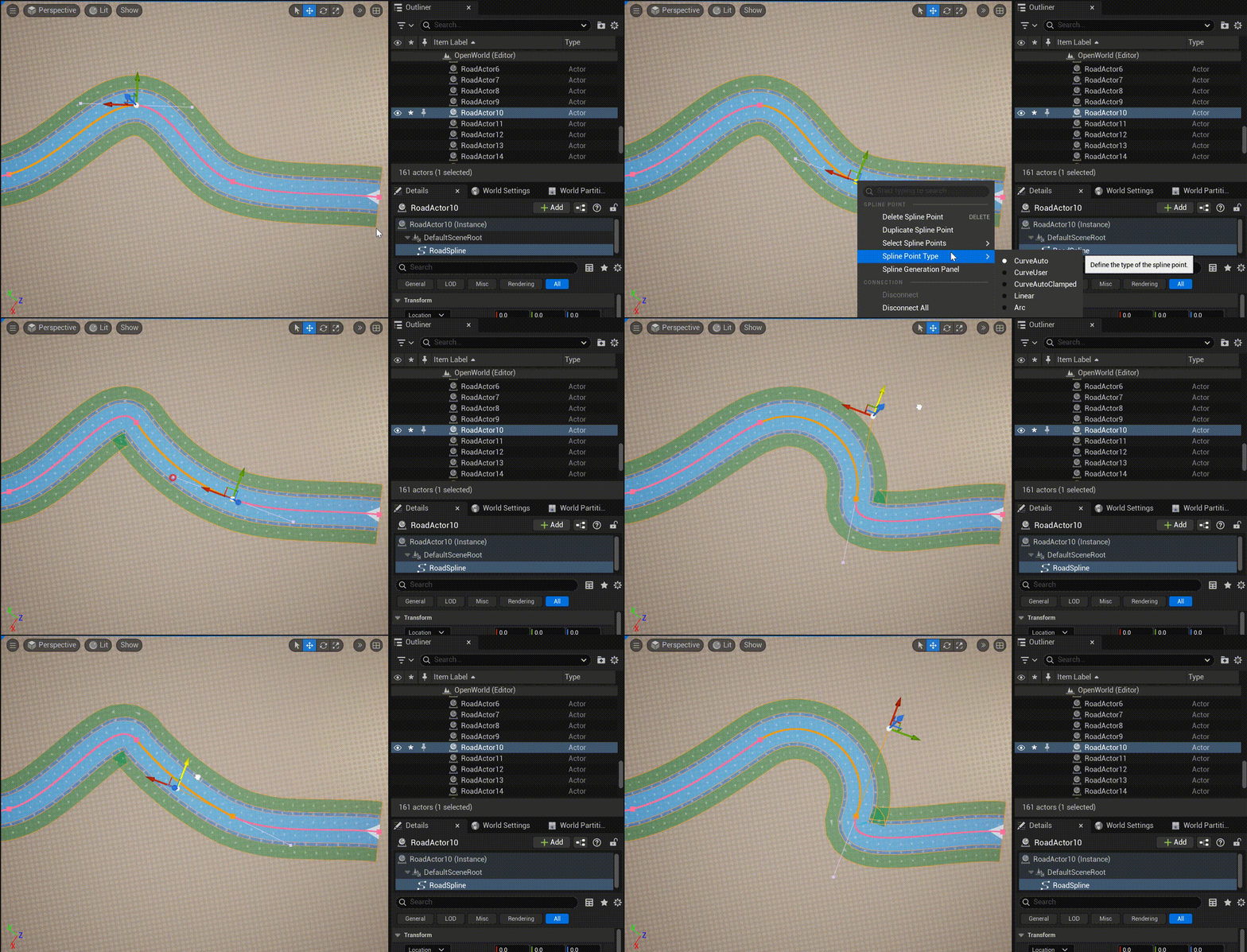
Arc node
You can also assign a node the Arc type for circular-arc segments:
Connections
You manage the road’s endpoint connections in this mode (see Intersections and Junctions):
See also
Road Reference Line — the data this mode edits.
Intersections and Junctions — the endpoint connections you wire here.
Draw Spline Tool — create new road splines.