Mark Profile
A Mark Profile (URoadMarkProfile) defines a single road-marking strip — its type, dimensions, and color — for
driving lanes (RoadLaneDriving). The Road Mark Attribute then paints the strip
along a lane.
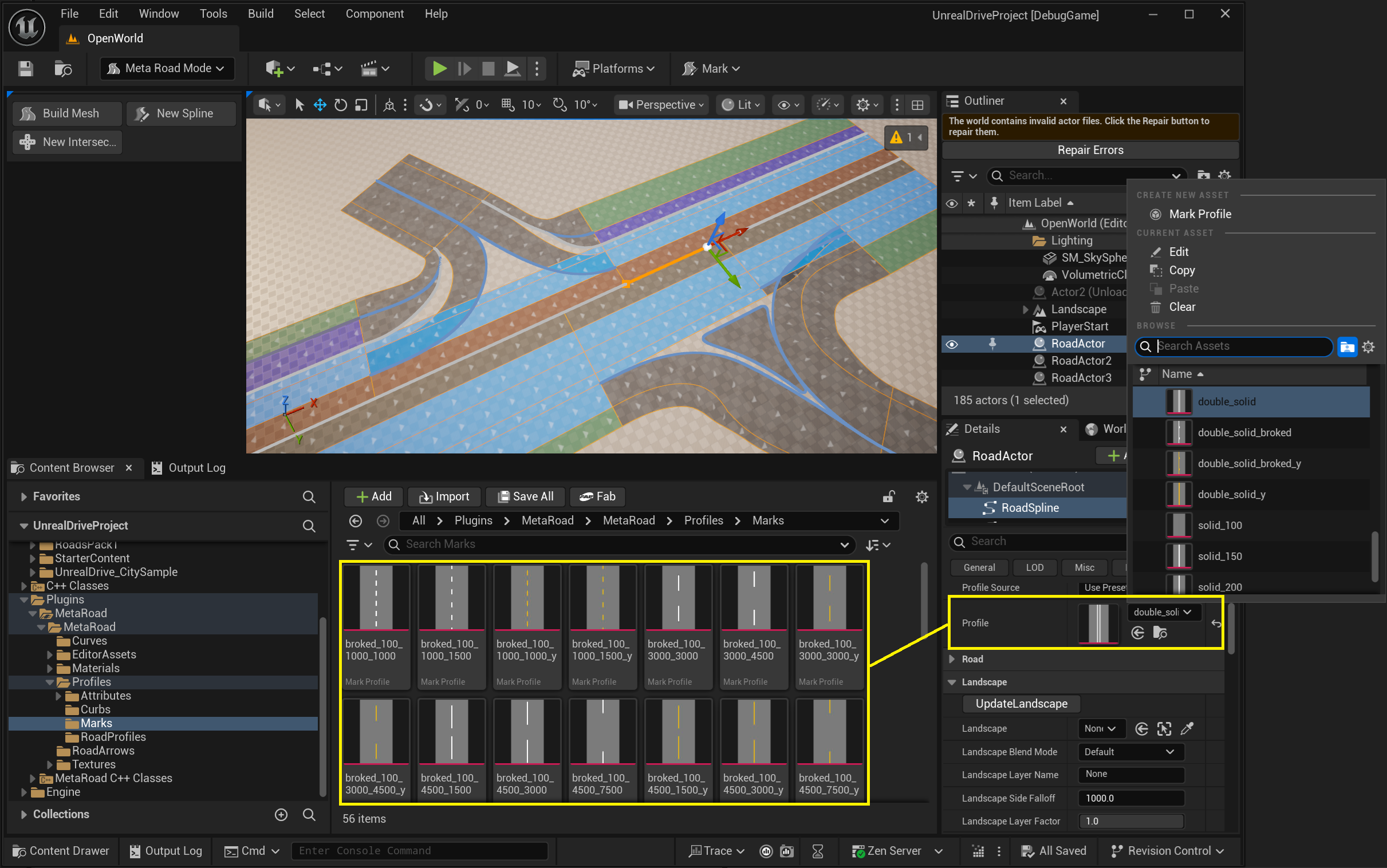
Create one from the Content Browser (right-click → Meta Road → Mark Profile); double-click it to open the Mark Profile editor.
The Mark Profile editor
Preview viewport — a live preview of the marking strip as you edit it.
Details panel — the marking definition.
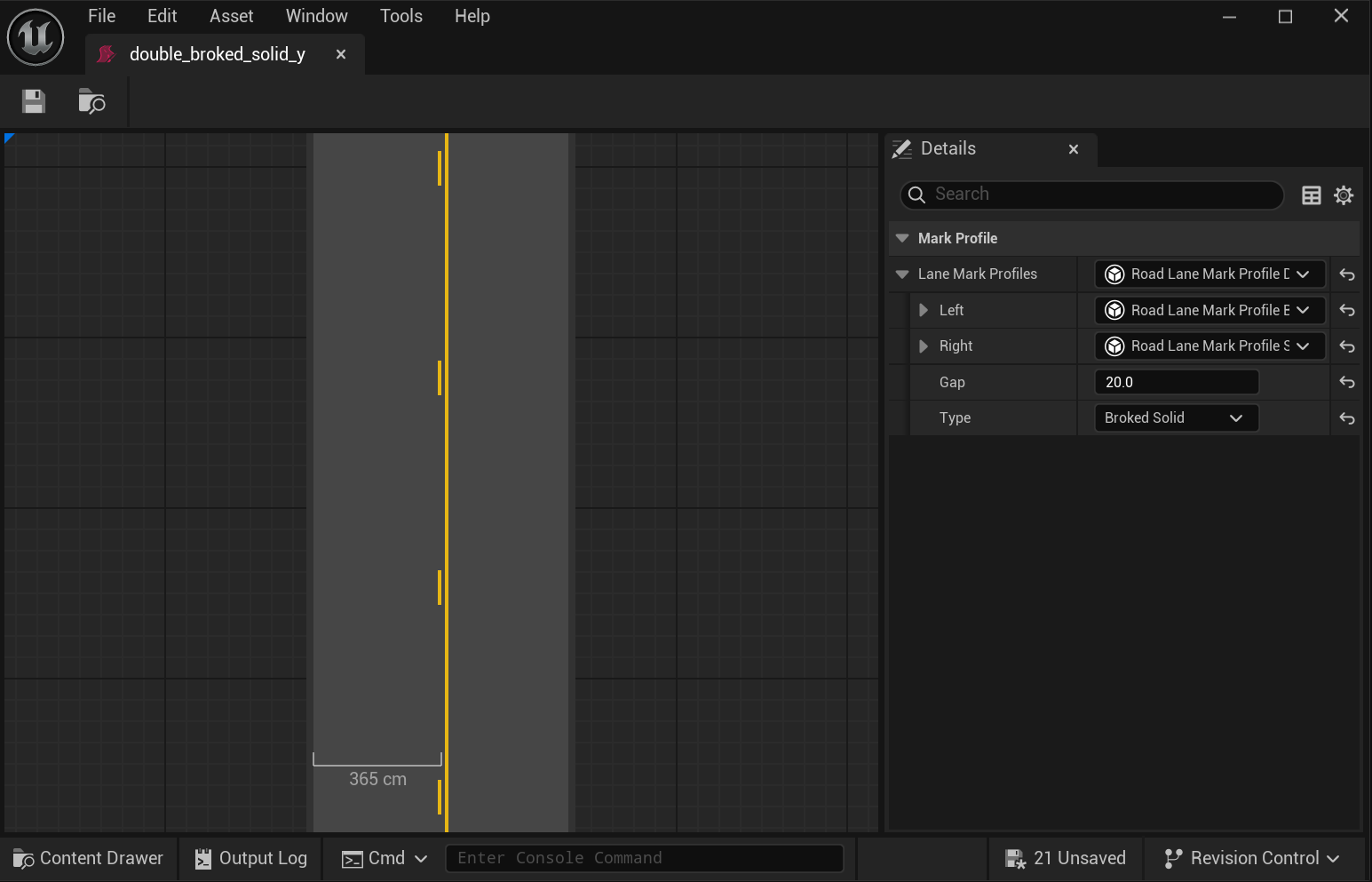
Changes update the preview immediately.
Properties
The marking definition (FRoadLaneMarkProfile) controls the strip’s appearance:
Property |
Description |
|---|---|
|
Marking style — solid, dashed, or double. |
|
Strip width, and for dashed marks the dash length and gap. |
|
Color and material applied to the strip. |
How it’s used
Referenced by the
Profileof a Road Mark Attribute key.Can be dragged from the Content Browser onto a road lane to set that lane’s road-mark attribute directly.
See also
Profiles — all Meta Road profile assets.
Road Mark Attribute — paints a Mark Profile along a lane.