Visibility
Note
This is the Visibility tile in the Misc palette of the Meta Road editor mode (see The Meta Road Editor Mode).
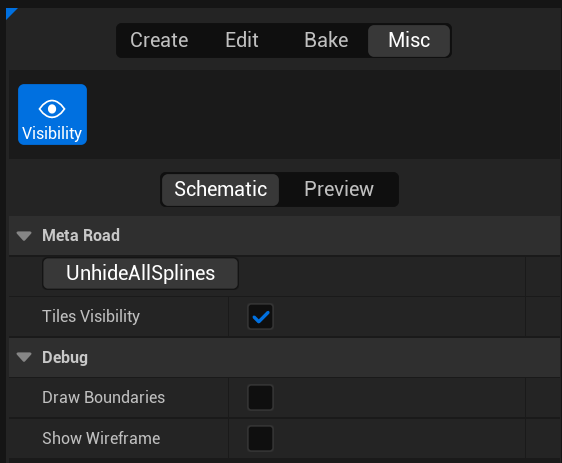
The Visibility panel holds editor-only visibility and debug-draw settings for MetaRoad. They affect only the editor viewport, not the baked meshes.
Setting |
Description |
|---|---|
Tiles Visibility |
Show/hide tile-map renders ( |
Draw Boundaries |
Draw the triangulation boundaries of roads (debug) |
Show Wireframe |
Draw roads in wireframe (debug) |
Unhide All Splines |
Un-hide every road spline hidden for the current actor |
You can hide an individual selected road spline and later restore all of them with Unhide All Splines — handy when working on a busy junction.
See also
Tile Window — the tile-map renders toggled by Tiles Visibility.
The Meta Road Editor Mode — the mode and palette this tile belongs to.