Road Mark Attribute
Adds a Mark attribute to a road lane; it is used during baking to generate road
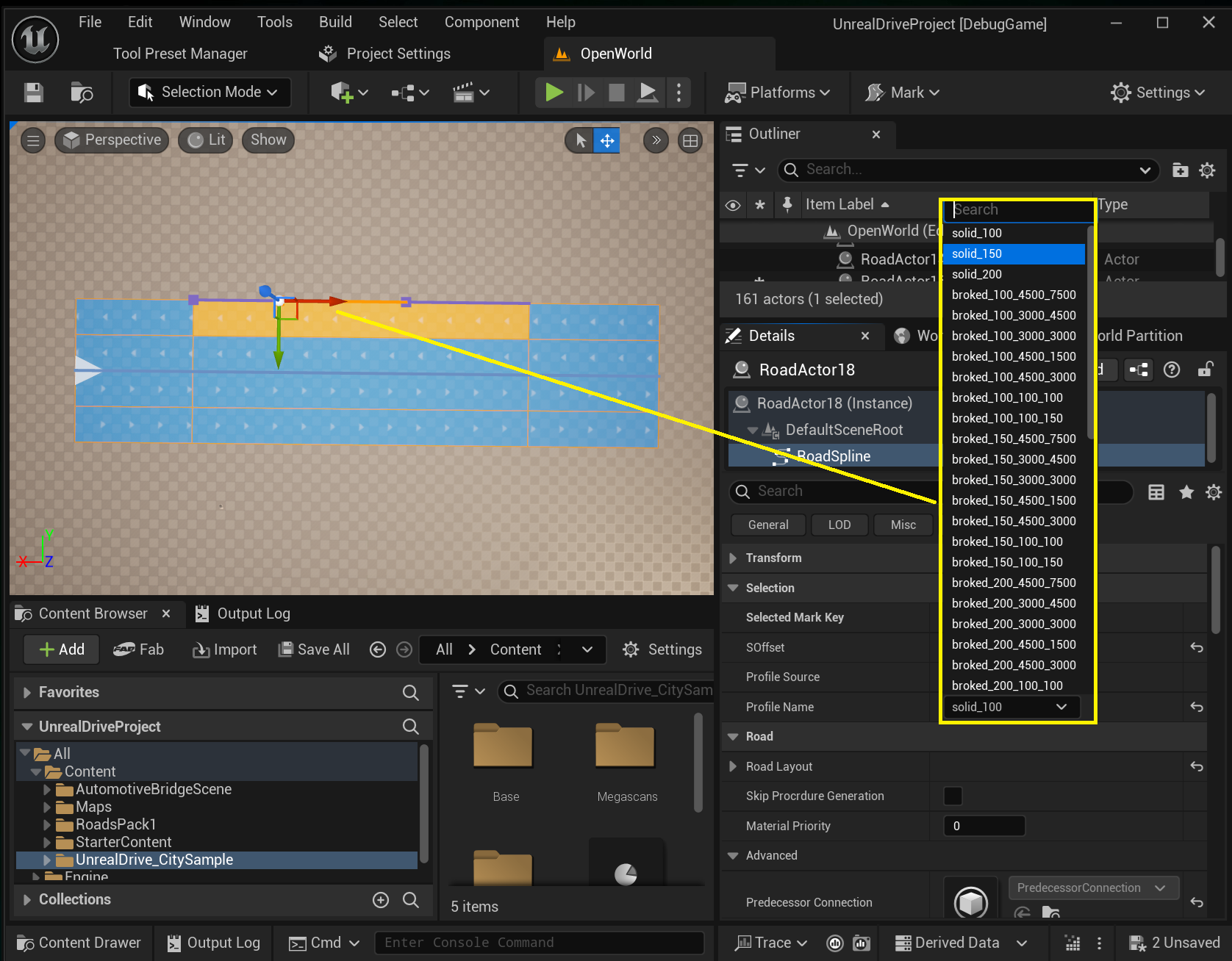
markings. Each Attribute Key is assigned a road-marking type via Profile, or you can create a new type on the spot
(Profile Source → Use Custom). To remove markings for a stretch of the lane, set Profile to empty.
Properties
Property |
Description |
|---|---|
|
The Mark Profile asset defining the marking (type, size, color). Set to |
|
Reference a Mark Profile asset, or define a marking inline on the key ( |
Drag and Drop
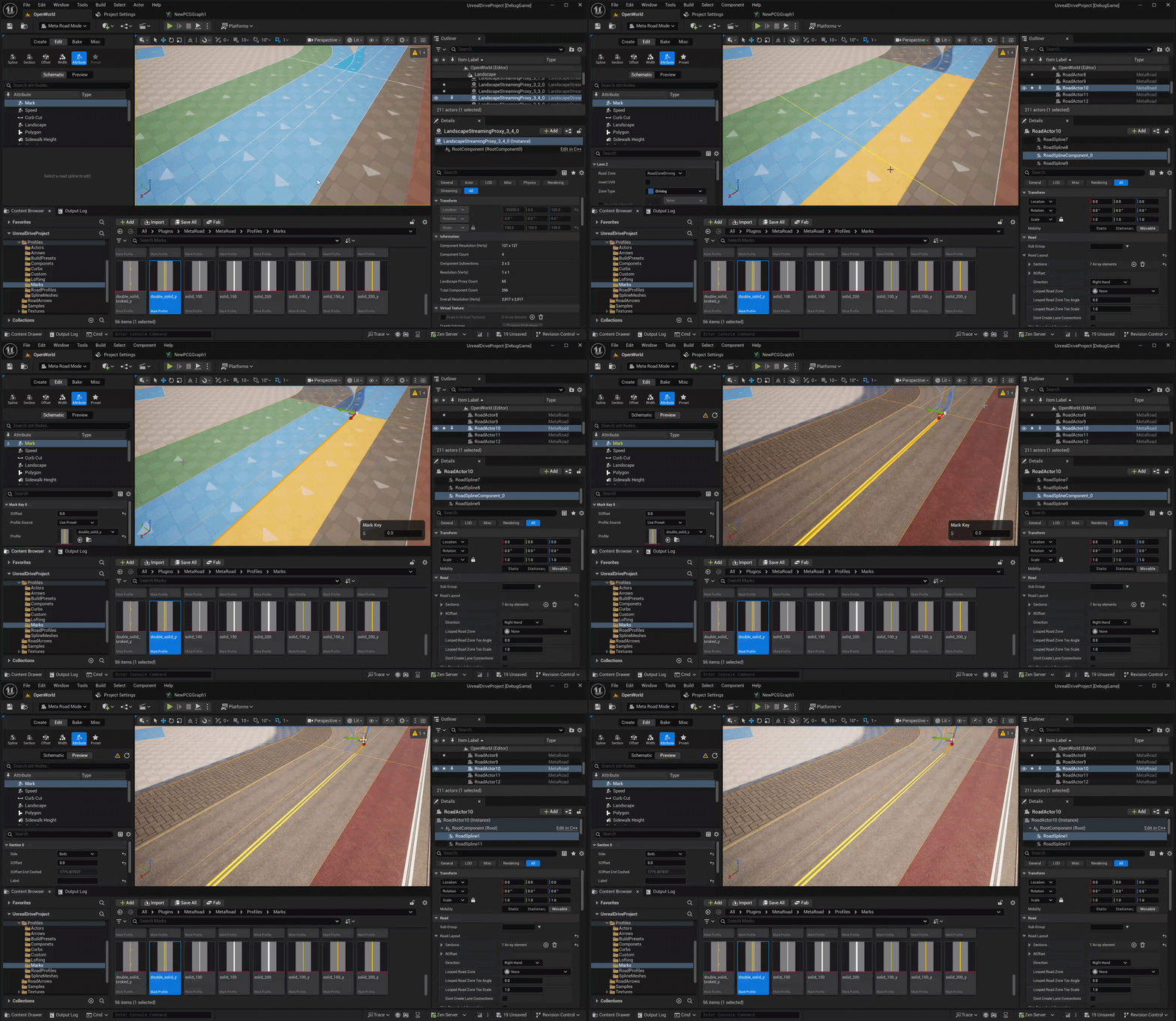
Drag a Mark Profile from the Content Browser onto a lane to set its Road Mark attribute:
See also
Attribute Mode — add and edit this attribute along a lane.
Attributes — how attributes evaluate and are stored.
Mark Profile — reusable road-marking profiles.