Curb Profile
A Curb Profile (URoadCurbProfile) defines the curb cross-section — its shape, width, and material — for
sidewalk lanes (RoadLaneSidewalk). You set it once as an asset, reference it from a sidewalk lane, and the curb is
generated along the lane’s edge during baking.
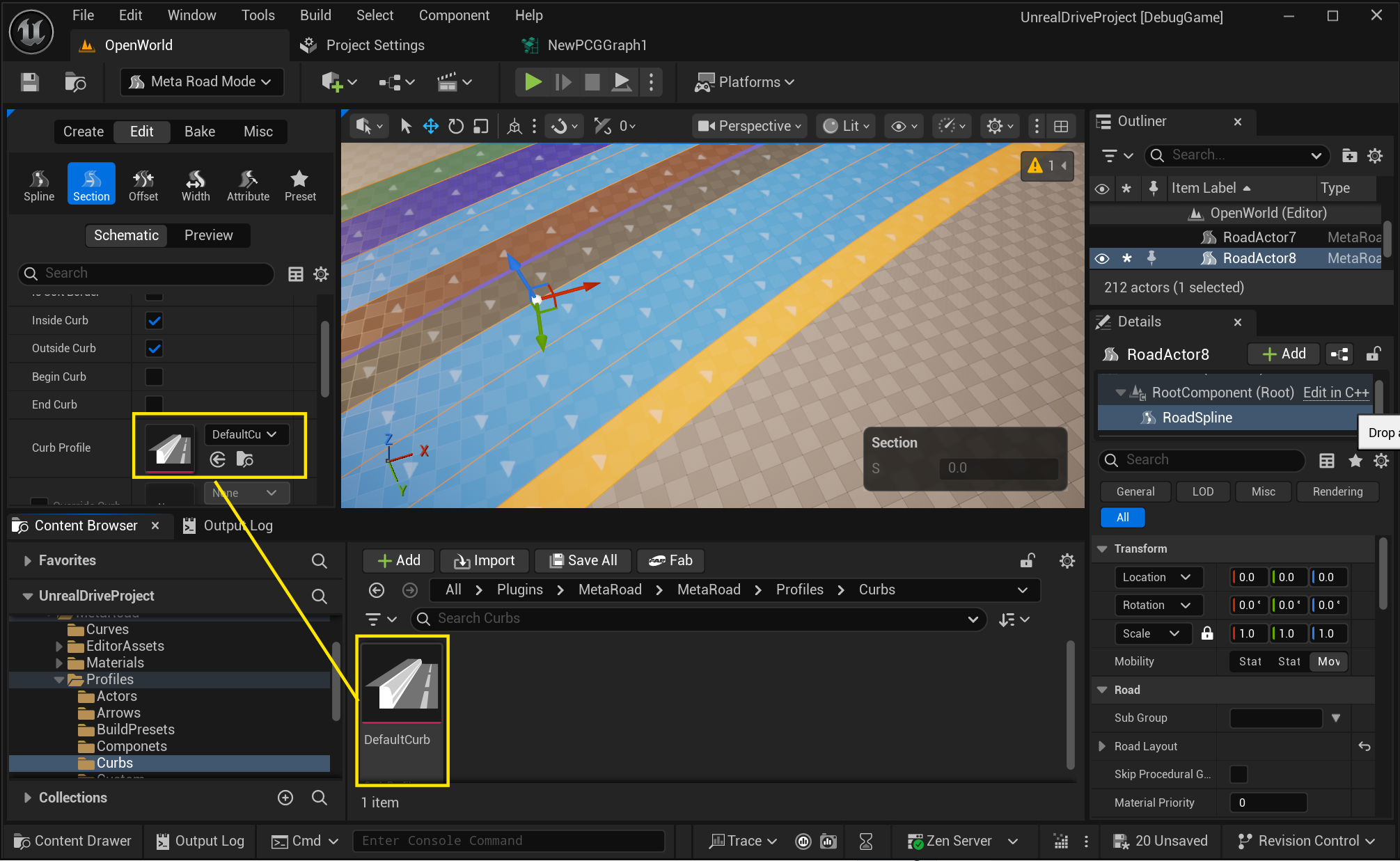
Create one from the Content Browser (right-click → Meta Road → Curb Profile) and edit it in the standard Details panel — it has no dedicated editor.
Properties
Property |
Default |
Description |
|---|---|---|
|
— |
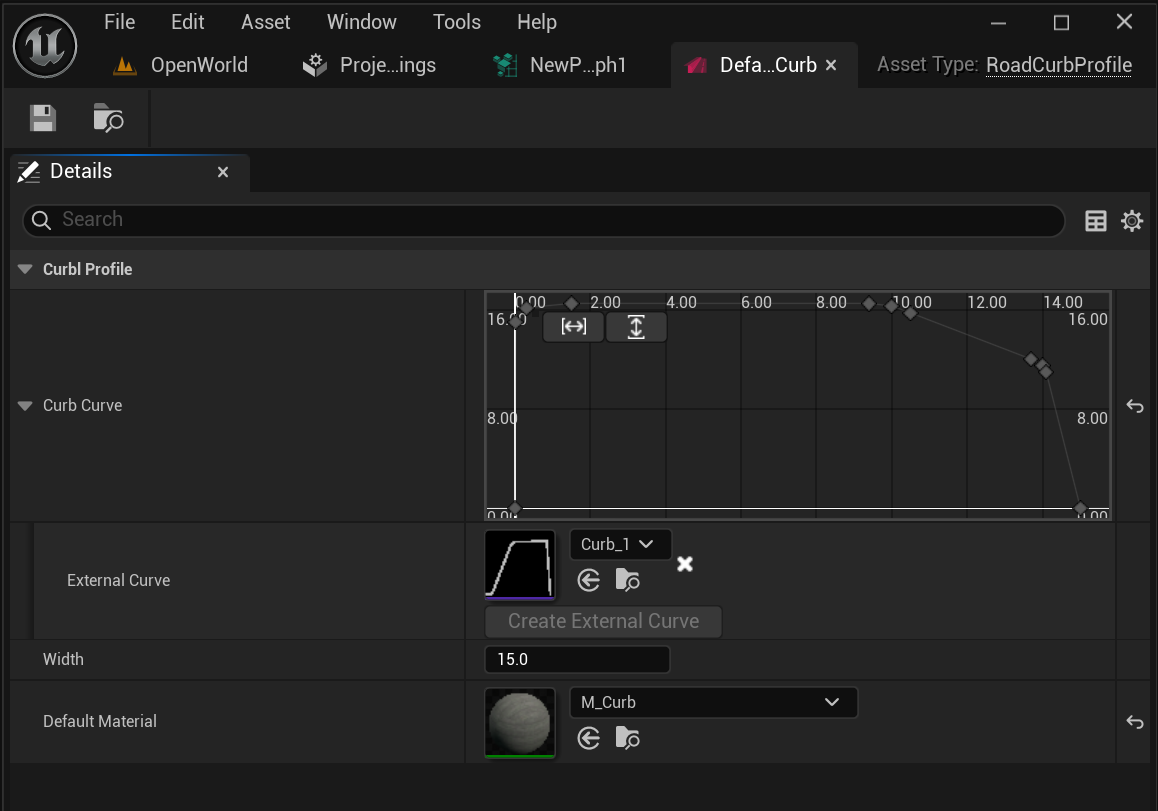
The curb’s cross-section silhouette, as a float curve. Its input (X) runs across the curb — |
|
15 |
Curb width [cm] — the lateral extent the |
|
— |
Material applied to the generated curb. A sidewalk lane can override it per lane. |
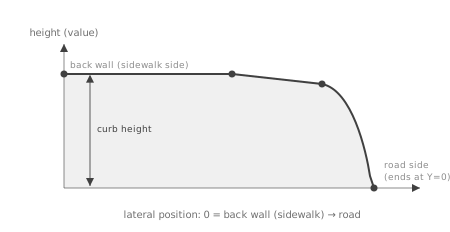
The CurbCurve is where the curb’s shape lives — edit it in the curve editor in the Details panel. It starts at
X = 0 — the back wall on the sidewalk side, at full height — and moving toward the road traces the curb’s flat top
and face, then ends sharply at Y = 0 where it meets the road.
How it’s used
A sidewalk lane references a Curb Profile; the curb is built along that lane’s edge at baking.
The profile’s
DefaultMaterialis used unless the lane overrides the curb material (Override Curb Material).
See also
Profiles — all Meta Road profile assets.
Road Zones and Zone Types — sidewalk lanes reference a Curb Profile.
Baking — where the curb is generated.